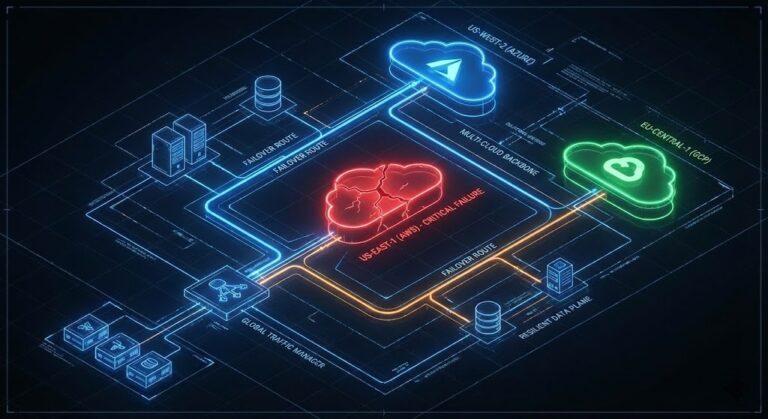
Which Workloads Should Never Leave The Cloud
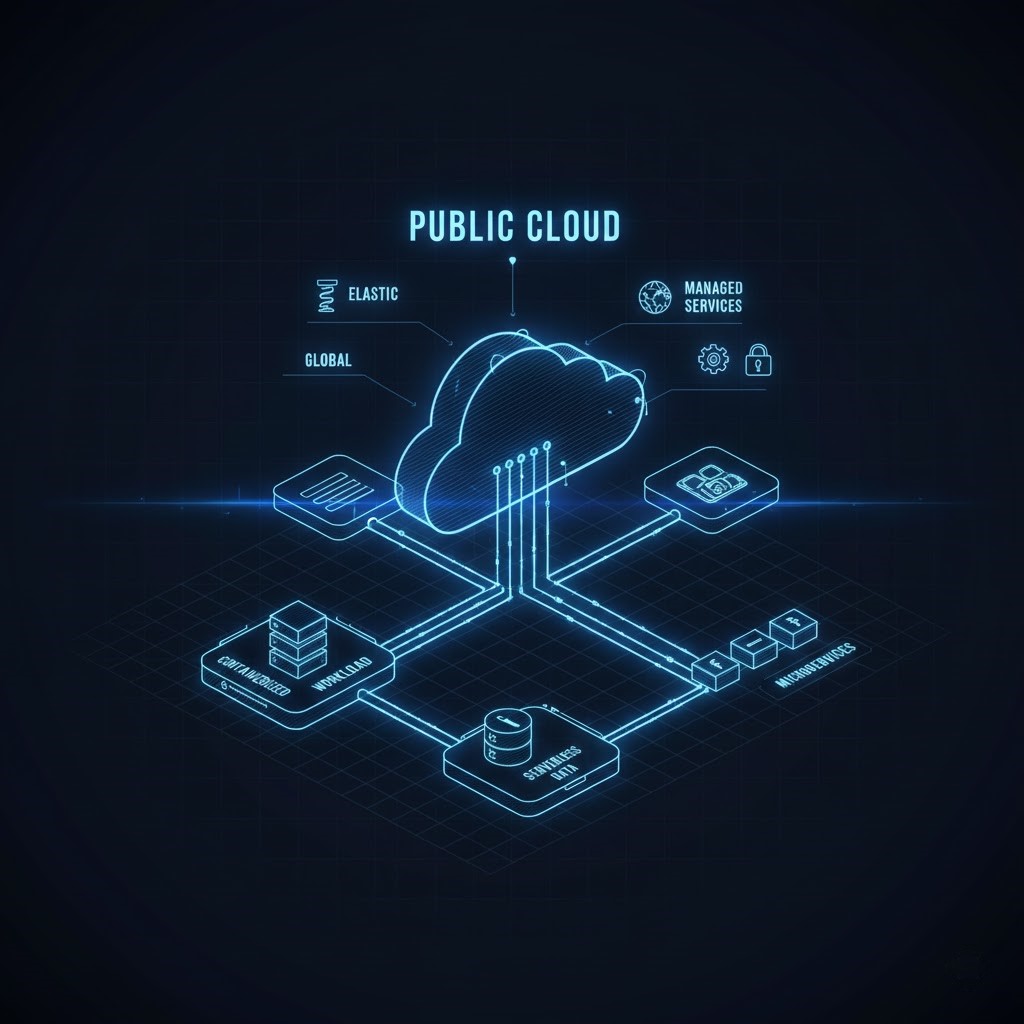
(Even When Repatriation Looks Tempting)
After publishing my piece on cloud repatriation, my inbox filled up fast. Not with disagreement—but with a different question:
“Okay, fine. Some workloads should come home. But which ones absolutely should not?”
That’s the right question. Cloud workload placement — deciding what stays versus what moves — is where repatriation plans either succeed or overshoot. I’ve been doing infrastructure architecture long enough to watch three full cycles:
- On-prem everything
- Cloud everything
- Hybrid reality
Here’s the hard-earned truth: Some workloads belong in the public cloud forever, no matter how good your colo deal is or how cheap hardware gets. This article is about identifying those workloads before you make an expensive mistake.
If you haven’t read it yet, this article is the counterweight to my earlier piece on when repatriation does make sense. For the full economic model — break-even analysis, platform tax, and data gravity thresholds — see The Repatriation Calculus: What the 93% Signal Actually Means.
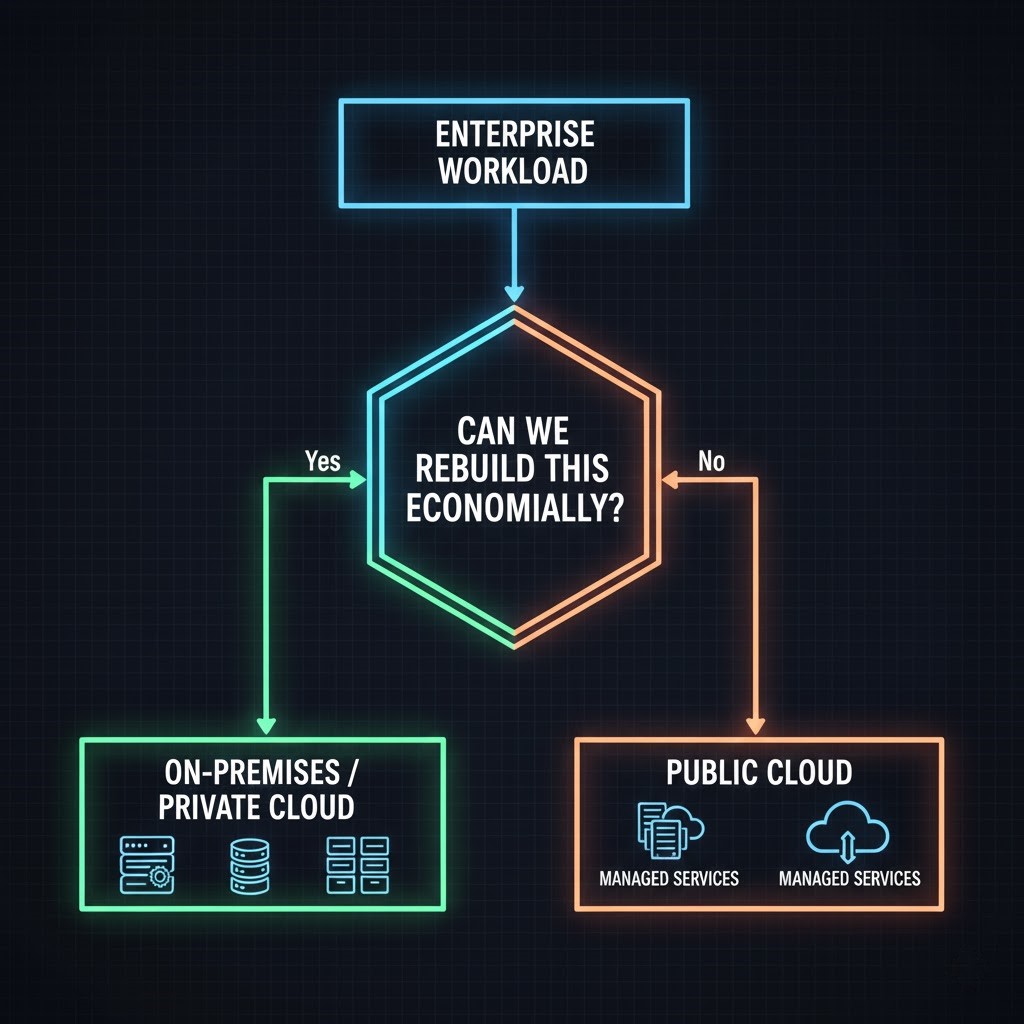
The Prime Directive: Never Repatriate What You Can’t Economically Rebuild
Here’s my first decision rule. I apply it ruthlessly:
If you can’t recreate the capability without hiring a new team, don’t repatriate it.
Cloud isn’t just infrastructure anymore. It’s embedded product velocity. If you rip out a managed service and replace it with “we’ll run it ourselves,” you’re not repatriating—you’re starting a new internal product company. Most teams aren’t staffed for that. They just don’t know it yet.
Category #1: Truly Elastic, Spiky Workloads
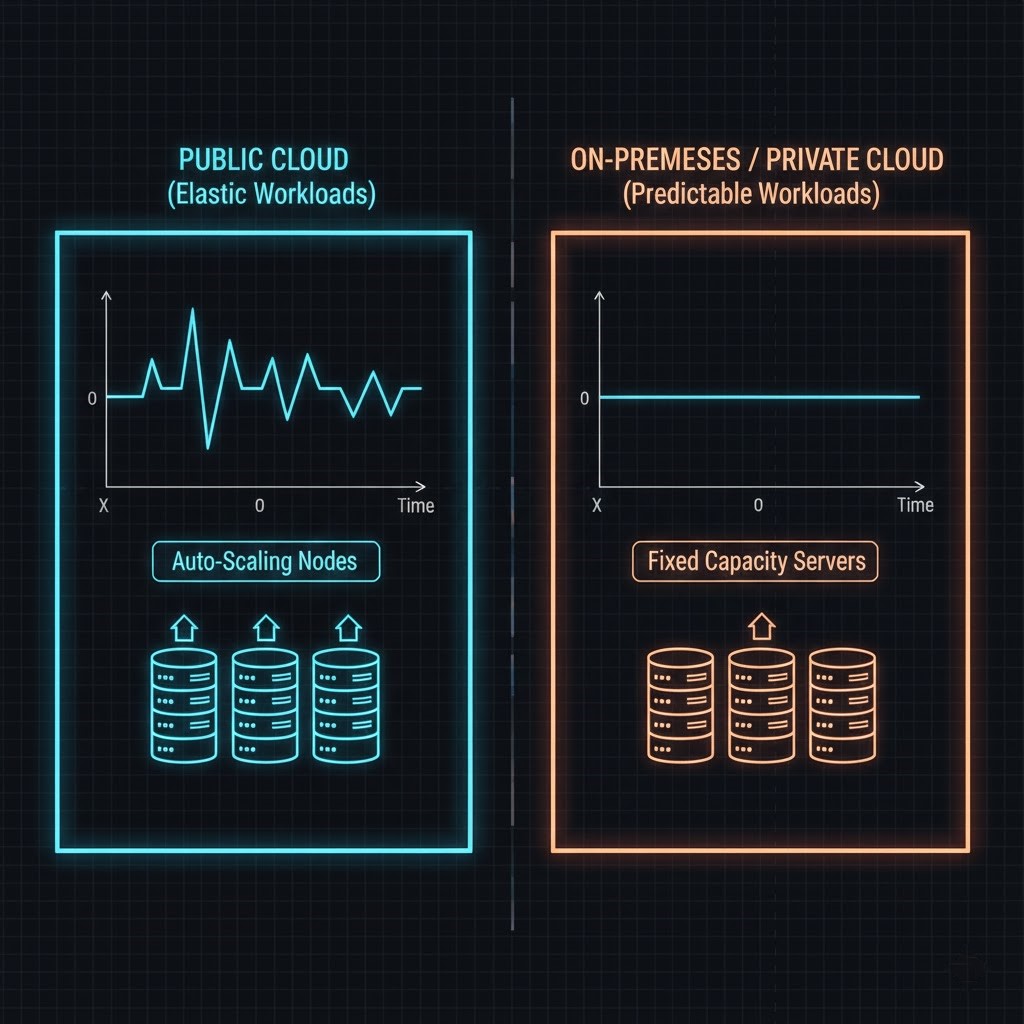
These are the workloads cloud was born for.
Characteristics
- 10x–100x demand swings
- Unpredictable traffic
- Short-lived compute bursts
- Auto-scaling is doing real work
Examples
- Event-driven pipelines
- Data ingestion jobs
- CI/CD build systems
- Seasonal or viral consumer apps
Decision Matrix
| Attribute | Cloud | On-Prem |
|---|---|---|
| Burst scaling | Native | Painful |
| Idle cost | Zero | Paid anyway |
| Ops overhead | Minimal | Constant |
| Failure recovery | Built-in | You own it |
Architect’s verdict:
If your peak-to-average ratio is greater than 4:1, on-prem economics collapse. Repatriating these workloads doesn’t save money. It just moves the bill from AWS to payroll.
Category #2: Managed Databases You Don’t Want to Babysit
When Managed DBs Stay Put
| Signal | Why It Matters |
|---|---|
| Multi-AZ required | Replication complexity |
| Automated patching | Reduces blast radius |
| Built-in backups | Human error elimination |
| Fast version upgrades | Security velocity |
Self-hosting databases is not free.
You pay in:
- Senior DBAs
- Patch windows
- Incident risk
- Burnout
If the database is not your competitive advantage, don’t adopt it as a hobby. Databases demand operational maturity whether you like it or not.
Category #3: Global Edge & Latency-Sensitive Services
This is where repatriation fantasies go to die.
Examples
- Global APIs
- SaaS frontends
- Authentication endpoints
- Media delivery
Rebuilding this on-prem means:
- Multiple regions
- Global load balancing
- DDoS mitigation
- 24×7 NOC maturity
That’s not “moving workloads home.” That’s becoming a cloud provider.
Cost Reality
| Capability | Cloud | On-Prem |
|---|---|---|
| Global POPs | Included | Impossible |
| DDoS protection | Native | Very expensive |
| Latency optimization | Built-in | Manual tuning |
| SLA enforcement | Contractual | Aspirational |
If your users are global, your infrastructure probably should be too.
Category #4: Cloud-Native Control Planes (Don’t Rebuild the Brain)
This is the mistake I see most often in repatriation plans. Teams move workload…but forget the control plane is the product.
Examples You Should Not Self-Host
- IAM platforms
- Event buses
- Serverless frameworks
- AI/ML training pipelines
- Managed Kubernetes control planes
Yes, you can self-host alternatives.
But ask yourself honestly:
- Do you want to operate etcd at scale?
- Do you want to secure identity at global scale?
- Do you want to own the pager when auth breaks?
I don’t.
Category #5: Tooling That Isn’t Core to Your Business
Tooling becomes dangerous when it competes with your core mission. This is where ego sneaks in.
Just because you can run something on-prem doesn’t mean you should.
Leave These in the Cloud
- Monitoring platforms
- Log analytics
- Security scanning
- CI/CD SaaS tools
- Ticketing systems
Why?
Because rebuilding SaaS internally creates:
- Permanent OpEx drag
- Tooling debt
- Skill dilution
Infrastructure should support the business—not become it.
Cost Reality Check: CapEx Doesn’t Always Win
Let’s be honest about the numbers.
When Cloud Wins Economically
| Scenario | Outcome |
|---|---|
| Bursty usage | Cloud cheaper |
| Short-lived projects | Cloud cheaper |
| Global scale | Cloud cheaper |
| High ops complexity | Cloud cheaper |
CapEx shines with predictability. Cloud shines with uncertainty.
Good architects don’t pick sides. They pick economic alignment.
The One Question That Prevents Bad Repatriation
Before approving any repatriation plan, I ask this:
“If this breaks at 2 a.m., are we glad we own it?”
If the answer is no, leave it in the cloud.
Ownership isn’t free. It’s responsibility, risk, and reputation.
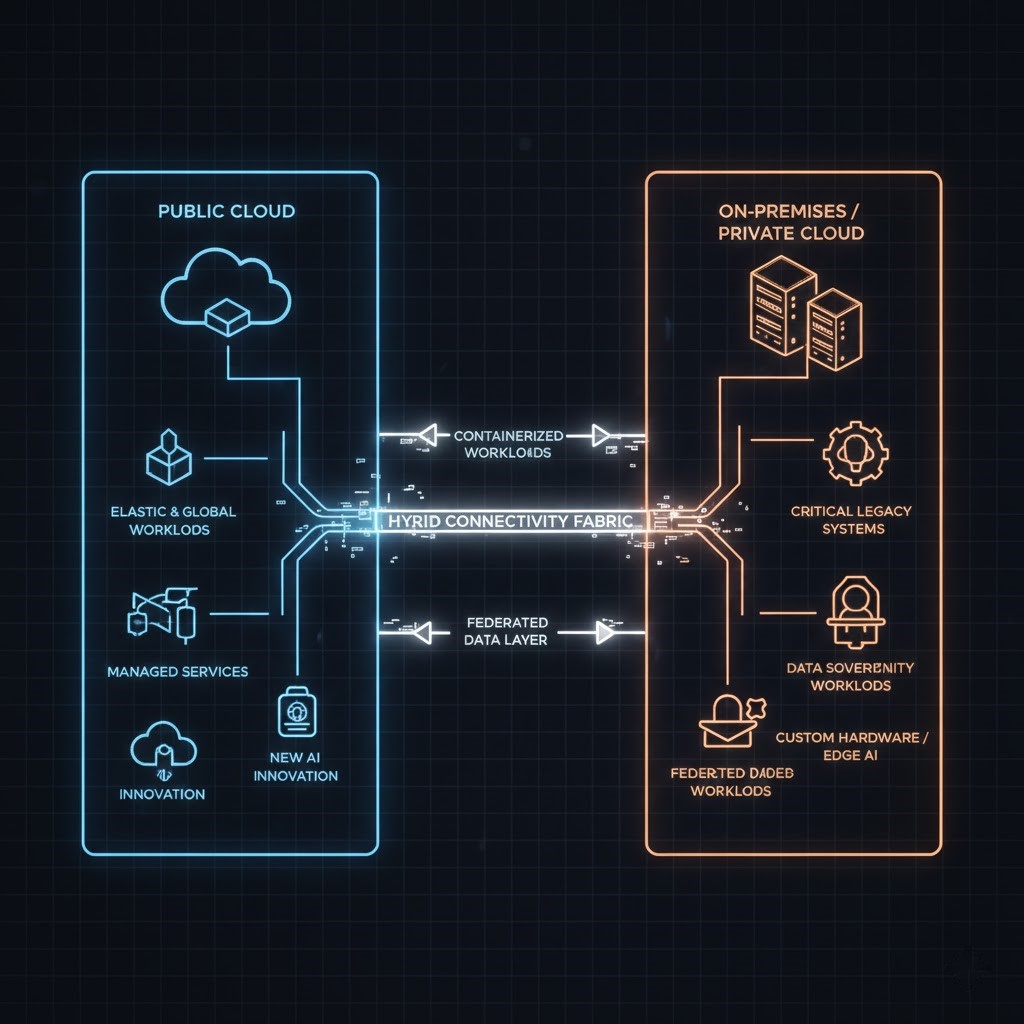
How This Fits Into a Hybrid Strategy
The best environments I design today look like this:
- On-Prem / Colo: Steady-state compute, core databases, predictable platforms
- Public Cloud: Edge, burst, control planes, experimentation
I’ve run my own PostgreSQL clusters. I’ve tuned them. I’ve lost sleep over them. That’s exactly why I keep some databases in the cloud.
If you’re coming from VMware and evaluating exits or hybrid patterns, read:
And before touching anything, map dependencies check out the VMware 2 Nutnanix Mapper Tool
Final Architect’s Note:
Repatriation isn’t about undoing the cloud era. It’s about using it correctly.
The future isn’t cloud-first or on-prem-first. It’s decision-first.
Additional Resources:
Editorial Integrity & Security Protocol
This technical deep-dive adheres to the Rack2Cloud Deterministic Integrity Standard. All benchmarks and security audits are derived from zero-trust validation protocols within our isolated lab environments. No vendor influence.

R.M.
Senior Solutions Architect with 25+ years of experience in HCI, cloud strategy, and data resilience. As the lead behind Rack2Cloud, I focus on lab-verified guidance for complex enterprise transitions. View Credentials →
Get the Playbooks Vendors Won’t Publish
Field-tested blueprints for migration, HCI, sovereign infrastructure, and AI architecture. Real failure-mode analysis. No marketing filler. Delivered weekly.
Select your infrastructure paths. Receive field-tested blueprints direct to your inbox.
- > Virtualization & Migration Physics
- > Cloud Strategy & Egress Math
- > Data Protection & RTO Reality
- > AI Infrastructure & GPU Fabric
Zero spam. Includes The Dispatch weekly drop.
Need Architectural Guidance?
Unbiased infrastructure audit for your migration, cloud strategy, or HCI transition.
>_ Request Triage Session