

The Logic of Repatriation: When (and Why) To Move Workloads From Public Cloud Back To On-Prem
Cloud repatriation is no longer a fringe conversation — it is the inflection point where public cloud stops being an accelerator and starts being a tax. For the last decade, “Cloud First” wasn’t just a strategy; it was a religion. If you suggested buying a server, you were treated like a heretic clinging to a mainframe.
But the zero-interest rate era is over. The “growth at all costs” mindset has been replaced by “profitability or death.” And suddenly, that $40,000/month AWS bill for a steady-state PostgreSQL cluster doesn’t look like innovation. It looks like financial negligence.
I am not anti-cloud. I am an Architect. And as an Architect, my loyalty is to the workload, not the vendor.
There is a specific moment in every company’s lifecycle where the Public Cloud stops being an accelerator and starts being a tax. We call this the Repatriation Inflection Point.
This guide isn’t about feelings. It’s about the physics of cost. Here is how to determine if you should bring your data home.
Cloud Isn’t Expensive — Predictable Workloads Are
Let’s strip marketing out of the discussion.
Public cloud charges a premium for exactly two things:
- Elasticity – rapid scale up and down
- Operational abstraction – no hardware, no firmware, no midnight RAID rebuilds
That’s a fair trade — if you actually need those things.
Now here’s the uncomfortable truth I keep seeing in audits:
Most enterprise workloads don’t scale. They idle. Consistently. Expensively.
War Story (Real Numbers)
I recently audited a SaaS platform spending $1.2M/year on EC2.
- 70% of instances hadn’t changed size or count in 18 months
- No auto-scaling
- No spot usage
- No meaningful elasticity
That’s not cloud-native. That’s a static data center with a cloud invoice.
We repatriated those workloads to a managed colo using Dell PowerEdge + HCI.
Year 1 savings: ~$450,000.
CapEx didn’t kill innovation. It funded it.
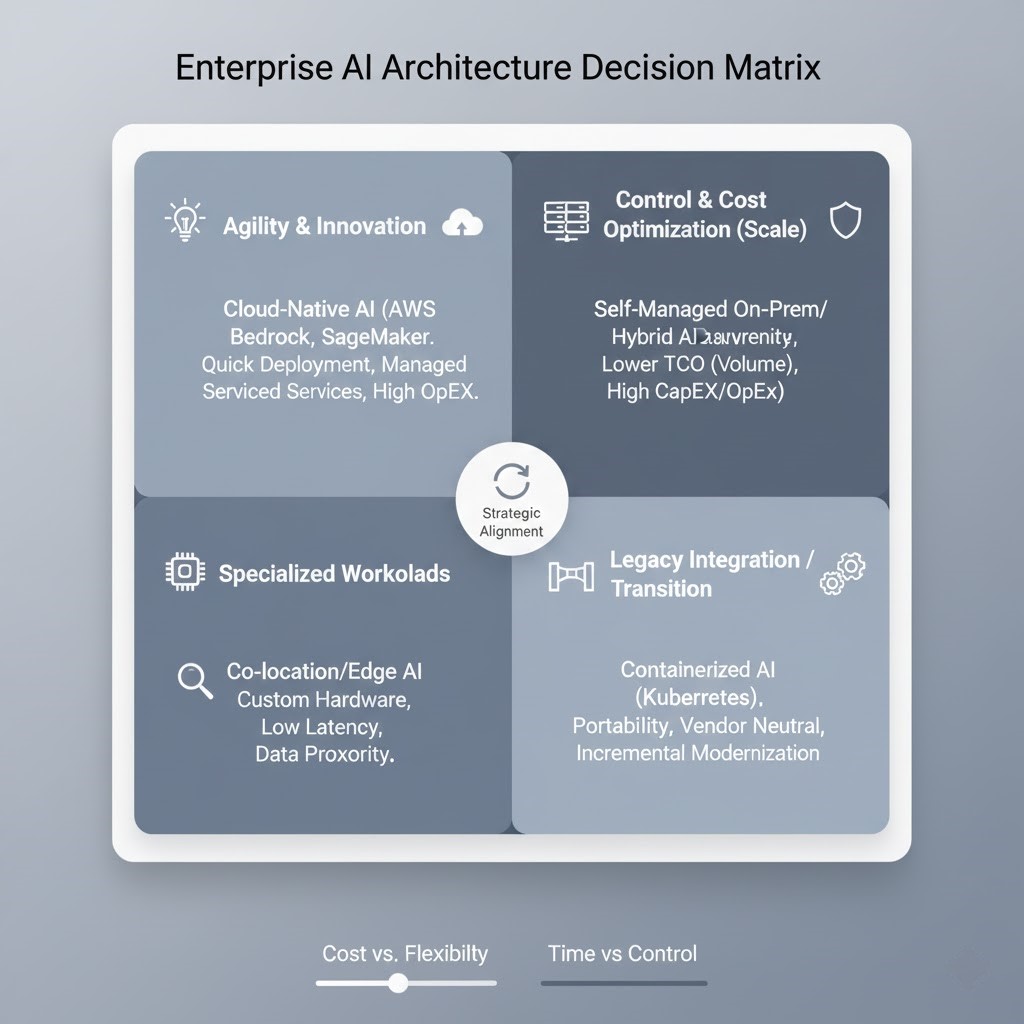
The Repatriation Decision Matrix
How do you know if you are ready to repatriate? You don’t guess. You run the workload through this filter.
| Factor | Stay in Public Cloud | Repatriate to On-Prem / Colo |
| Traffic Pattern | Bursty (0 to 100 in seconds) | Flat / Predictable (Steady baseline) |
| Data Gravity | Petabytes of egress needed globally | Heavy local processing / Low egress |
| Team Skills | Dev-heavy, zero Ops capacity | Balanced team, willing to manage hardware |
| Compliance | Standard (SOC2, ISO) | Extreme (Sovereignty, Air-Gapped) |
| Spend Scale | < $100k / year | > $500k / year |
My rule of thumb after 15+ years:
If your cloud bill is under $100k/year, don’t touch it. If it’s north of $500k/year, you’re already late.
CapEx vs OpEx: The 3-Year Breakeven Test
This is where executives panic and architects need to stay calm.
Important: Repatriation is not universal. Before moving anything, read: Which Workloads Should Never Leave the Cloud. For the full economic model behind the decision, see The Repatriation Calculus: What the 93% Signal Actually Means. And before assuming this is a cost decision at all, see The New Cloud Repatriation Strategy Isn’t About Cost — the same workload-suitability logic below increasingly gets overridden by control and sovereignty requirements that never show up in a TCO model.
Scenario:
- 50 vCPUs
- 256GB RAM
- 10TB NVMe
Cost Comparison
| Model | Cost |
|---|---|
| Public Cloud (On-Demand) | ~$3,800/month |
| 3-Year Cloud TCO | ~$136,800 |
| On-Prem Hardware | ~$18,000 (one-time) |
| Power & Colo | ~$400/month |
| HCI Licensing | ~$500/month |
| 3-Year On-Prem TCO | ~$50,400 |
If this math makes you uncomfortable, it’s because you’ve been optimizing invoices instead of systems.
Savings per node: ~$86,400
Multiply that by a rack and the conversation changes very quickly.
We model this internally with the Rack2Cloud VMware Core Calculator
If the math doesn’t work there, it won’t work anywhere.
Why Repatriation Projects Fail (I’ve Seen All of These)
Failure Mode #1: Rebuilding 2008 Infrastructure
Teams repatriate… and rebuild a three-tier nightmare.
Fix:
Use modern HCI. Nutanix, Azure Stack HCI — platforms that still feel API-driven. If your developers notice you moved on-prem, you already failed.
If you’re coming from VMware, use the NSX-T Translator
Failure Mode #2: Ignoring Egress Reality
AWS charges you to leave. That’s not an accident.
| Cost Type | Reality |
|---|---|
| Data Egress | One-time pain |
| Cloud Spend | Forever pain |
Fix:
Model egress as a ransom fee, not a recurring cost. Pay it once. Move on.
Failure Mode #3: Losing the Architecture Map
I’ve seen repatriation stall because nobody remembered what talked to what.
Fix:
Map first. Always. The organizations that execute repatriation cleanly have mapped more than architecture — they’ve mapped which governance responsibilities were never actually outsourced. The cost case follows that audit. It doesn’t replace it.
Use the V2N Mapper before touching anything.
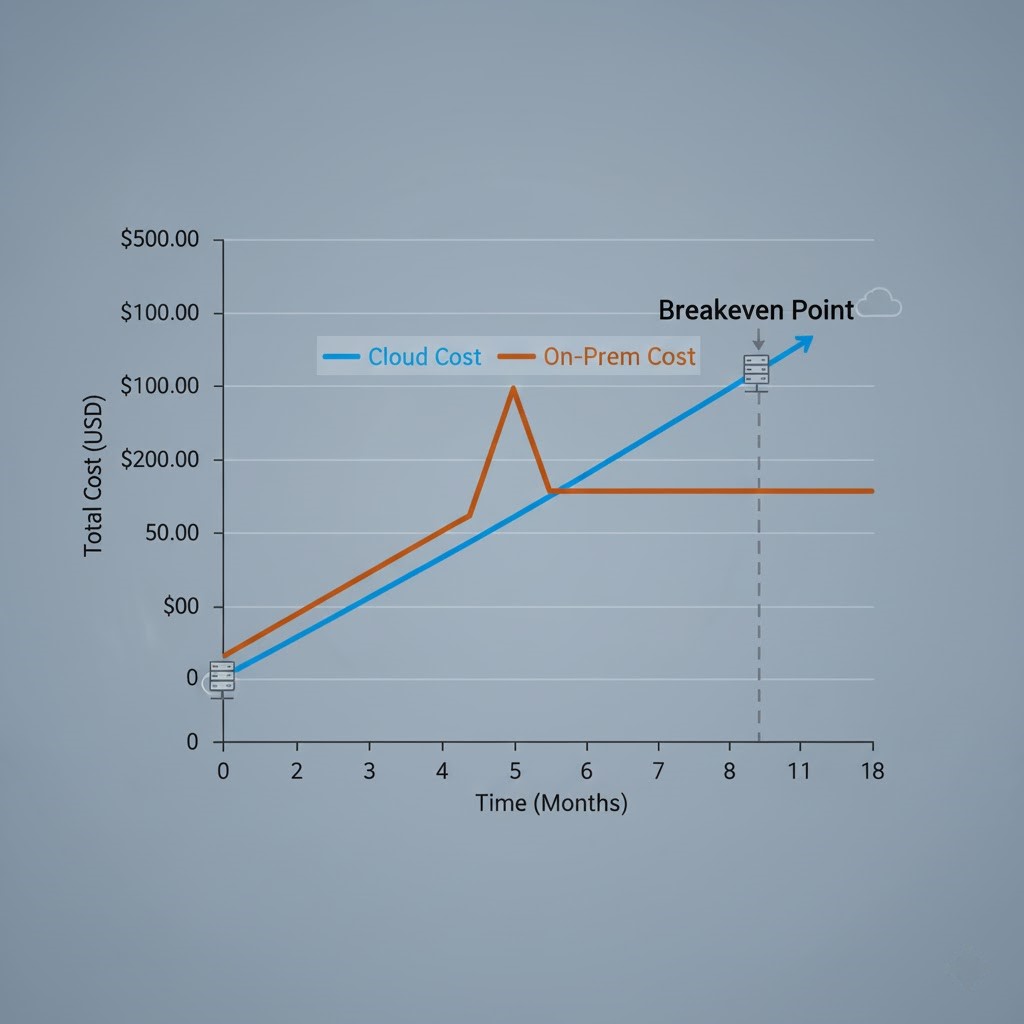
Architect’s Verdict: The TCO Curve Nobody Shows You
Cloud feels cheap on Day 1. On-prem feels expensive on Day 1.
But time bends the curve. Eventually, the lines cross — usually around month 9–12 — and after that, cloud stops being a platform and starts being a liability. My job as an architect isn’t to worship vendors. It’s to know when that crossover happens.
Additional Resources:
View 1 more resource
Editorial Integrity & Security Protocol
This technical deep-dive adheres to the Rack2Cloud Deterministic Integrity Standard. All benchmarks and security audits are derived from zero-trust validation protocols within our isolated lab environments. No vendor influence.

R.M.
Senior Solutions Architect with 25+ years of experience in HCI, cloud strategy, and data resilience. As the lead behind Rack2Cloud, I focus on lab-verified guidance for complex enterprise transitions. View Credentials →
Get the Playbooks Vendors Won’t Publish
Choose the architecture problems you care about. Get field-tested playbooks and frameworks delivered to your inbox.
- > AI Infrastructure & Inference Economics
- > Cloud Strategy & Hidden Cost Models
- > Virtualization & Deterministic Migration
- > Kubernetes, IaC & Modern Infrastructure
- > Data Protection & Recovery Engineering
Zero spam. Includes The Dispatch weekly drop.
Need Architectural Guidance?
Independent review before major infrastructure decisions.
- > Validate assumptions
- > Identify hidden dependencies
- > Quantify migration risk
- > Challenge vendor narratives
Triage · Advisory · Fractional · Direct Hire