

The Manual Nvidia Forgot: A Seasoned Architect’s Guide to AI Training Clusters
Building a cluster for inference is a weekend project. Building one for distributed training is a war of attrition against physics and “standard” enterprise defaults.
After architecting several H100/H200 deployments, I’ve realized the bottlenecks aren’t the GPUs themselves. It’s the “infrastructure tax” we pay for choosing the wrong networking, storage, and BIOS settings.
We talk a lot about the Broadcom tax in VCF environments, but the “AI Tax” is worse: it doesn’t just cost money; it stops your training run dead. This guide skips the vendor marketing and focuses on the configuration “gotchas” that separate a $10M cluster from a $10M space heater.
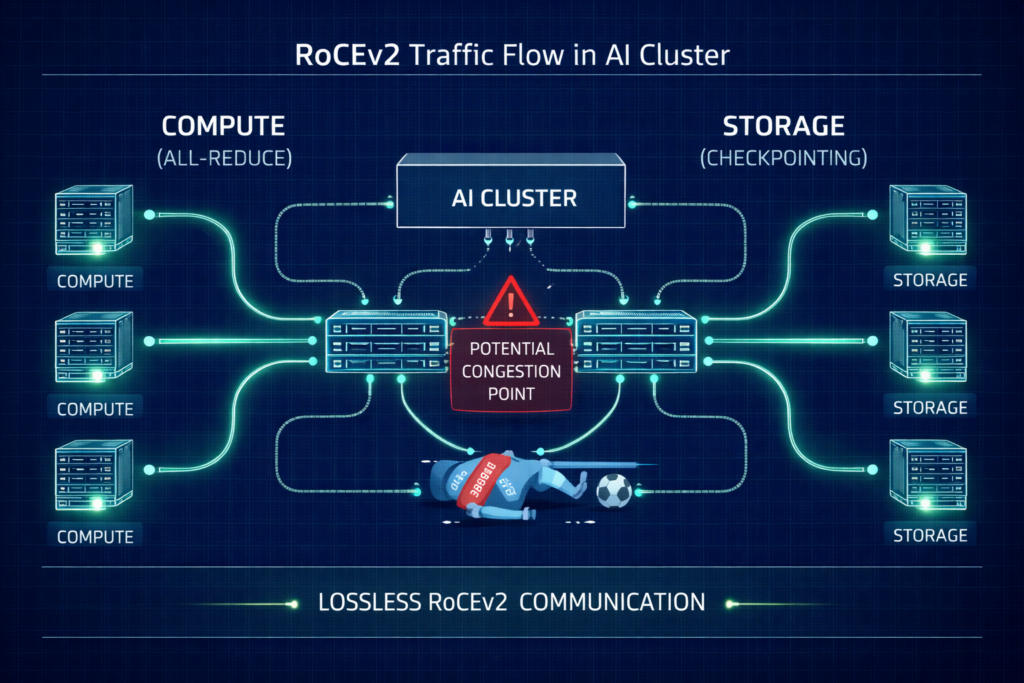
The Networking Tax: Lossless RoCEv2 or Bust
Standard Ethernet is designed to drop packets when congested. In a distributed training run, a single dropped packet can trigger a TCP retransmission that stalls the entire “All-Reduce” sync, killing your ROI.
The Configuration Checklist
- Priority Flow Control (PFC): Must be enabled to create a “lossless” lane. However, poorly tuned PFC leads to “pause frame storms” where one bad port freezes the fabric.
- Explicit Congestion Notification (ECN): Configure switches to mark packets at specific buffer thresholds. This signals the NIC to slow down before a hard pause is triggered.
- Watchdog Timers: Set aggressive PFC Watchdog intervals to reset ports that get stuck in a pause state for more than 100ms.
- Traffic Isolation: Physically isolate your Storage Rail from your Compute Rail. Converged traffic is the #1 cause of gray hairs in AI networking.
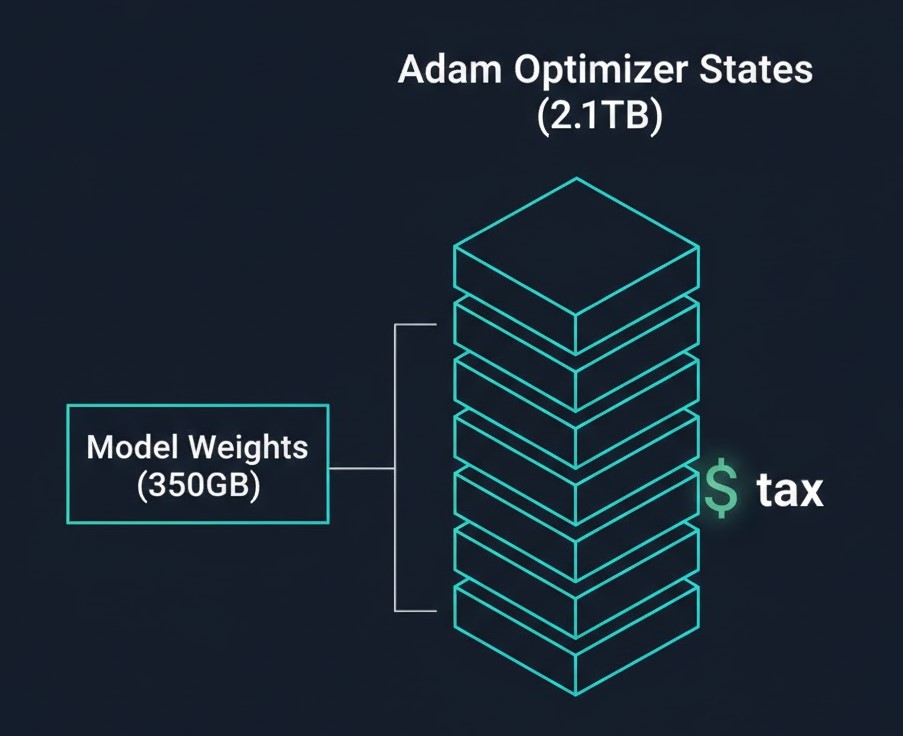
The Storage Math: Why a 175B Model Dumps 2.8TB Checkpoints
The biggest shock for storage admins is the Adam Optimizer Tax. While the model weights for a 175B parameter model are only ~350GB (in bf16), the training state is massive.
The Checkpoint Breakdown (175B Model)
| Component | Format | Size |
| Model Weights | bf16 | 350 GB |
| Gradients | bf16 | 350 GB |
| Master Weights | fp32 | 700 GB |
| Momentum States | fp32 | 700 GB |
| Variance States | fp32 | 700 GB |
| Total | — | ~2.8 TB |
Mandatory Cost Analysis: Saving these checkpoints takes time. If your storage writes at 4GB/s, that’s an 11-minute stall every hour. Over a 30-day run, that’s ~130 hours of idle GPUs. Investing in a high-performance NVMe tier like WEKA or VAST isn’t a luxury; it’s a CapEx recovery strategy.
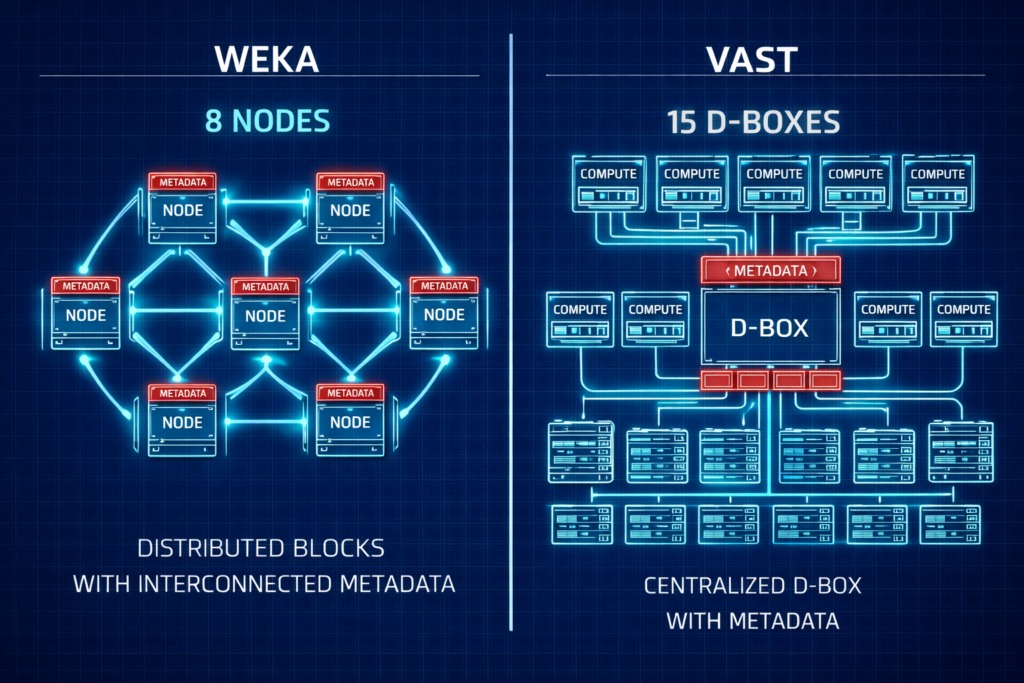
Storage Vendor Face-Off: WEKA vs. VAST
Choosing between the two leaders often comes down to your “Day 1” footprint and scaling philosophy.
| Feature | WEKA (Distributed) | VAST (Shared Everything) |
| Min. Redundant Cluster | 8 Nodes | ~15 D-Boxes/Nodes |
| Protocol | Custom UDP (No RoCE required) | NVMe-oF (Requires RoCE/IB) |
| Metadata | Fully Distributed | SCM/Optane Concentrated |
| Architecture | Scale-out Software | Disaggregated HW/SW |
Architect’s Verdict: For pilots and mid-sized clusters (8–32 nodes), WEKA is often easier to fund and deploy. For hyperscale, petabyte-scale data lakes, VAST offers a compelling unified platform.
For a deeper dive into the physics of these protocols, see our Storage Architecture Learning Path.
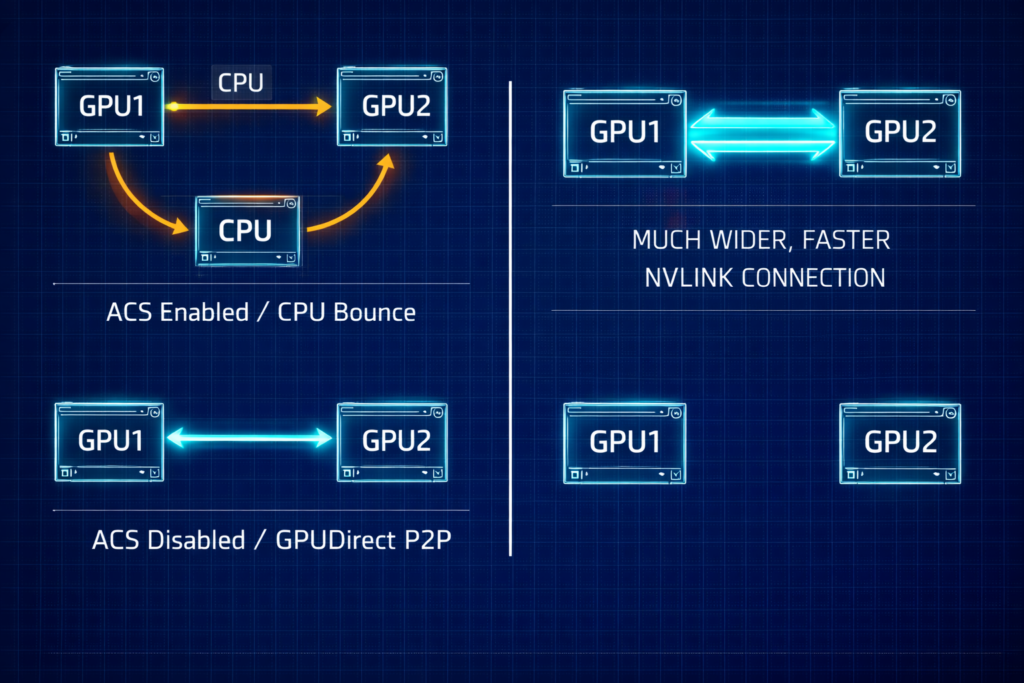
The BIOS Secret: Enabling GPUDirect P2P
Even with the best networking, your GPUs will stall if they can’t talk to each other directly.
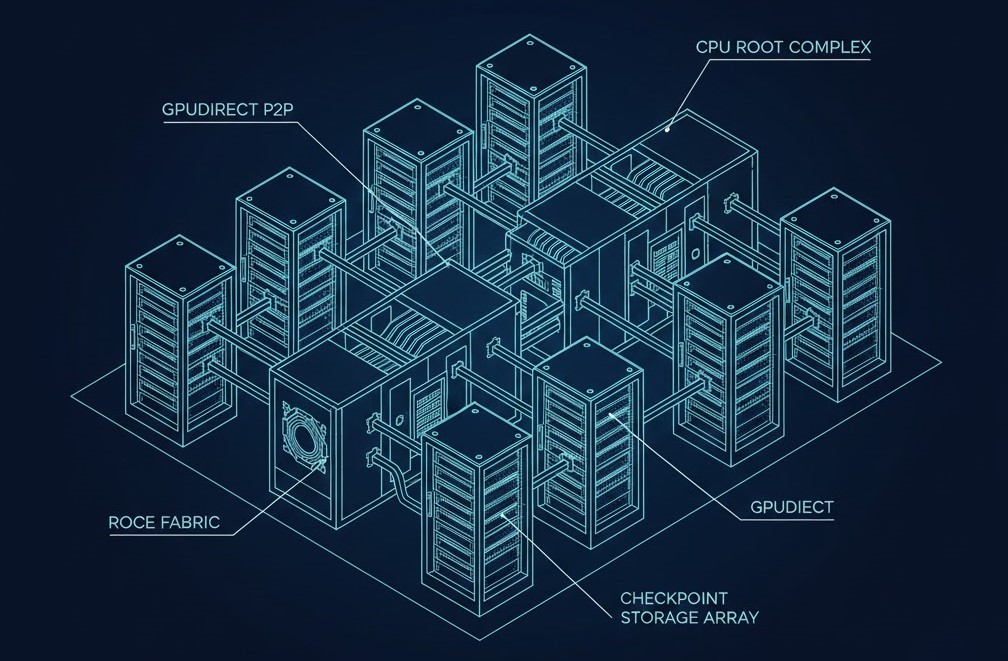
- Disable ACS (Access Control Services): This BIOS setting forces PCIe transactions through the CPU. It must be Disabled to allow GPUs to share data directly via the PCIe bus.
- Check Your Topology: Use
nvidia-smi topo -mto verify your paths. You want to seeP2P Available: Yesacross all peers. - PCIe vs. NVLink: Remember, PCIe 5.0 (128GB/s) is still the bottleneck compared to the 900GB/s of NVLink. Optimize your PCIe paths to ensure you aren’t making it even slower.
The Scheduler War: Slurm vs. Kubernetes
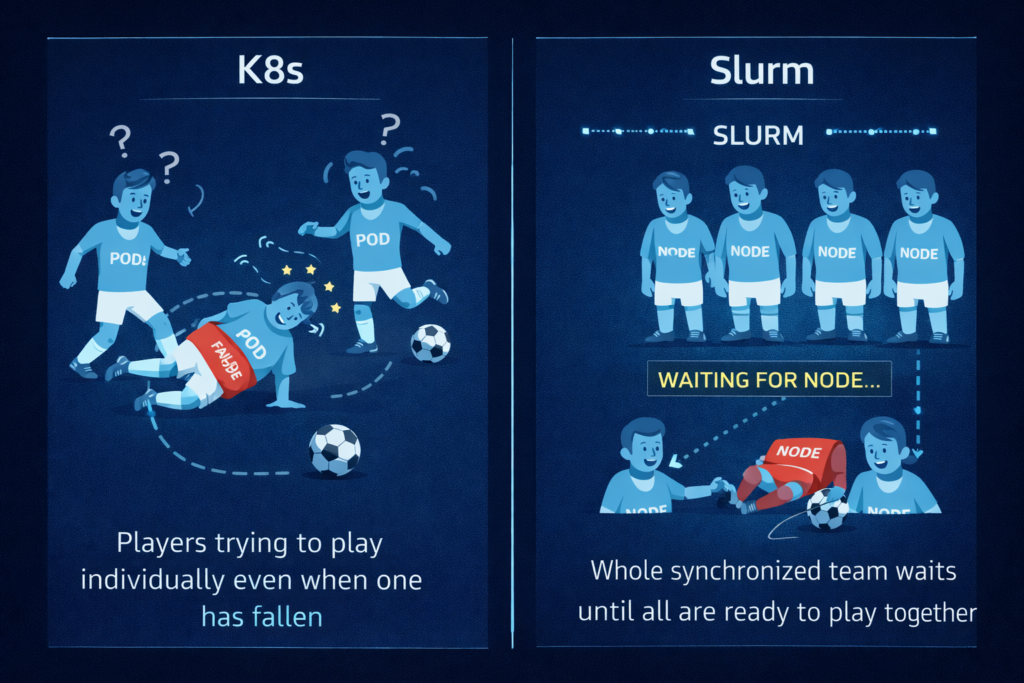
Kubernetes was built for microservices that need to stay up. Slurm was built for batch jobs that need to start together.
- The K8s Problem: Native K8s doesn’t understand “Gang Scheduling.” If you start a 32-node job and node #32 fails, K8s will try to keep the other 31 running. In AI, those 31 are now uselessly burning power.
- The Slurm Edge: It handles “all-or-nothing” starts natively.
- The “Band-Aid”: If you must use K8s, plugins like Volcano or Kueue are mandatory to mimic Slurm’s batch logic.
Architect’s Reference Library
This guide was shaped by peer-challenged debates and empirical data. For those performing deep-level implementation, we recommend the following primary sources:
Editorial Integrity & Security Protocol
This technical deep-dive adheres to the Rack2Cloud Deterministic Integrity Standard. All benchmarks and security audits are derived from zero-trust validation protocols within our isolated lab environments. No vendor influence.

R.M.
Senior Solutions Architect with 25+ years of experience in HCI, cloud strategy, and data resilience. As the lead behind Rack2Cloud, I focus on lab-verified guidance for complex enterprise transitions. View Credentials →
Get the Playbooks Vendors Won’t Publish
Field-tested blueprints for migration, HCI, sovereign infrastructure, and AI architecture. Real failure-mode analysis. No marketing filler. Delivered weekly.
Select your infrastructure paths. Receive field-tested blueprints direct to your inbox.
- > Virtualization & Migration Physics
- > Cloud Strategy & Egress Math
- > Data Protection & RTO Reality
- > AI Infrastructure & GPU Fabric
Zero spam. Includes The Dispatch weekly drop.
Need Architectural Guidance?
Unbiased infrastructure audit for your migration, cloud strategy, or HCI transition.
>_ Request Triage Session