The Manual Nvidia Forgot: A Seasoned Architect’s Guide to AI Training Clusters
Building a cluster for inference is a weekend project. Building one for distributed training is a war of attrition against physics and “standard” enterprise defaults.
After architecting several H100/H200 deployments for private LLM training, the bottlenecks are rarely the GPUs themselves. It’s the infrastructure tax paid for choosing the wrong networking stack, the wrong storage tier, and leaving BIOS settings at their defaults. This H100 cluster configuration guide skips the vendor marketing and focuses on the specific “gotchas” that separate a productive $10M cluster from a $10M space heater.
We talk a lot about the Broadcom licensing tax in enterprise environments, but the AI infrastructure tax is worse — it doesn’t just cost money, it stops your training run dead. The configuration decisions covered here are the ones that determine whether your cluster trains or stalls.
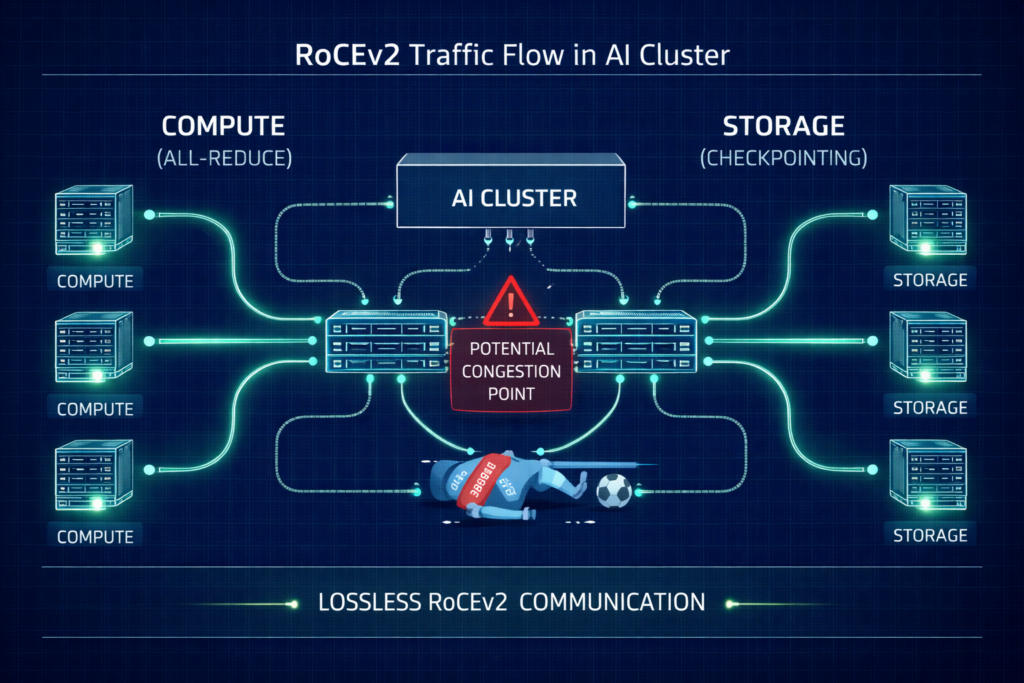
The Networking Tax: Lossless RoCEv2 or Bust
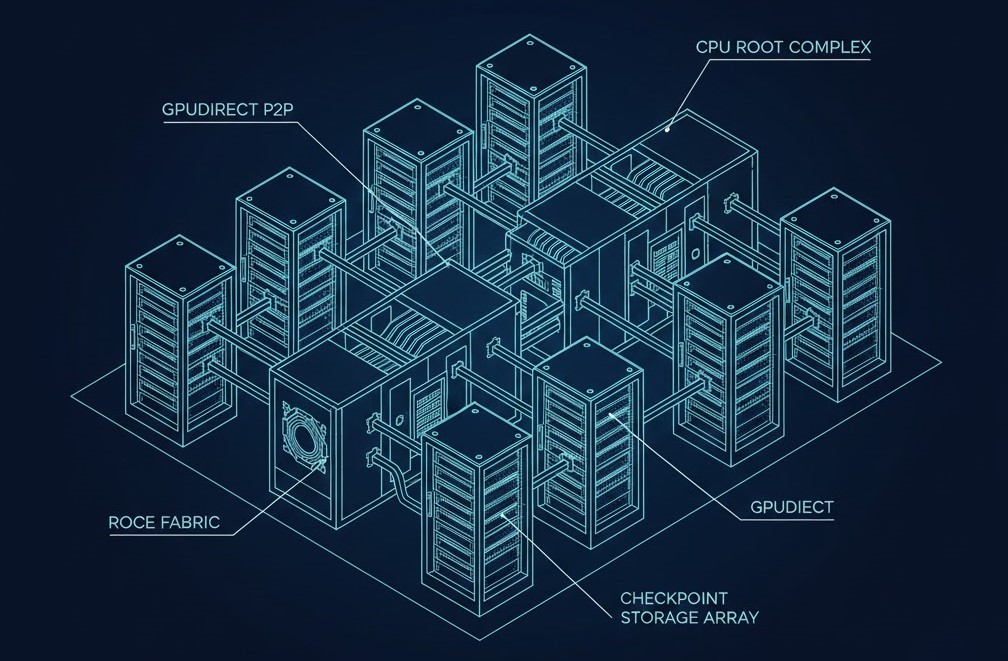
Standard Ethernet is designed to drop packets when congested. In a distributed training run, a single dropped packet can trigger a TCP retransmission that stalls the entire All-Reduce sync, killing your ROI. This isn’t a software problem you can patch — it’s a fabric configuration problem that has to be solved before the first training job runs.
For the full physics of why 800G fabrics still fail at scale, the GPU Fabric Physics post covers what changes at 100k-GPU scale. For the RoCEv2 vs InfiniBand trade-off in AI fabric decisions, see InfiniBand Is Losing the Fabric War.
The Configuration Checklist
- Priority Flow Control (PFC): Must be enabled to create a lossless lane. Poorly tuned PFC leads to pause frame storms where one bad port freezes the fabric.
- Explicit Congestion Notification (ECN): Configure switches to mark packets at specific buffer thresholds. This signals the NIC to slow down before a hard pause is triggered.
- Watchdog Timers: Set aggressive PFC Watchdog intervals to reset ports stuck in a pause state for more than 100ms.
- Traffic Isolation: Physically isolate your Storage Rail from your Compute Rail. Converged traffic is the number one cause of unpredictable training stalls in AI networking.
The deterministic networking layer is what separates a training cluster from a cluster that trains occasionally. The Deterministic Networking post covers the full model for building lossless, low-jitter AI-ready fabrics.
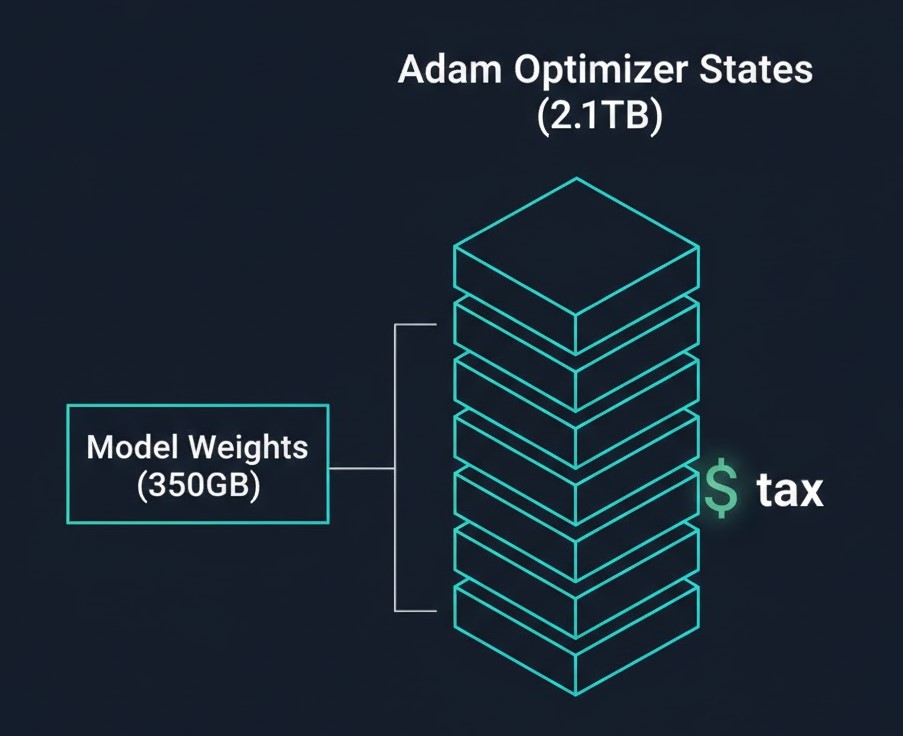
The Storage Math: Why a 175B Model Dumps 2.8TB Checkpoints
The biggest shock for storage teams is the Adam Optimizer Tax. While the model weights for a 175B parameter model are only ~350GB (in bf16), the full training state is nearly 8x larger. Most clusters are configured for the weights, not the checkpoint.
The Checkpoint Breakdown (175B Model)
| Component | Format | Size |
| Model Weights | bf16 | 350 GB |
| Gradients | bf16 | 350 GB |
| Master Weights | fp32 | 700 GB |
| Momentum States | fp32 | 700 GB |
| Variance States | fp32 | 700 GB |
| Total | — | ~2.8 TB |
The mandatory cost analysis: Saving these checkpoints takes time. If your storage writes at 4GB/s, that’s an 11-minute stall every hour. Over a 30-day run, that’s approximately 130 hours of idle GPUs. Investing in a high-performance NVMe tier isn’t a luxury — it’s a CapEx recovery strategy. The Storage Wall post covers the ZFS vs Ceph vs NVMe-oF decision in depth. For the all-NVMe case specifically, see All-NVMe Ceph for AI.
H100 Cluster Configuration: Storage Vendor Face-Off
Choosing between the two leaders in AI storage often comes down to your Day 1 footprint and scaling philosophy. Neither is wrong — they’re optimized for different operating models.
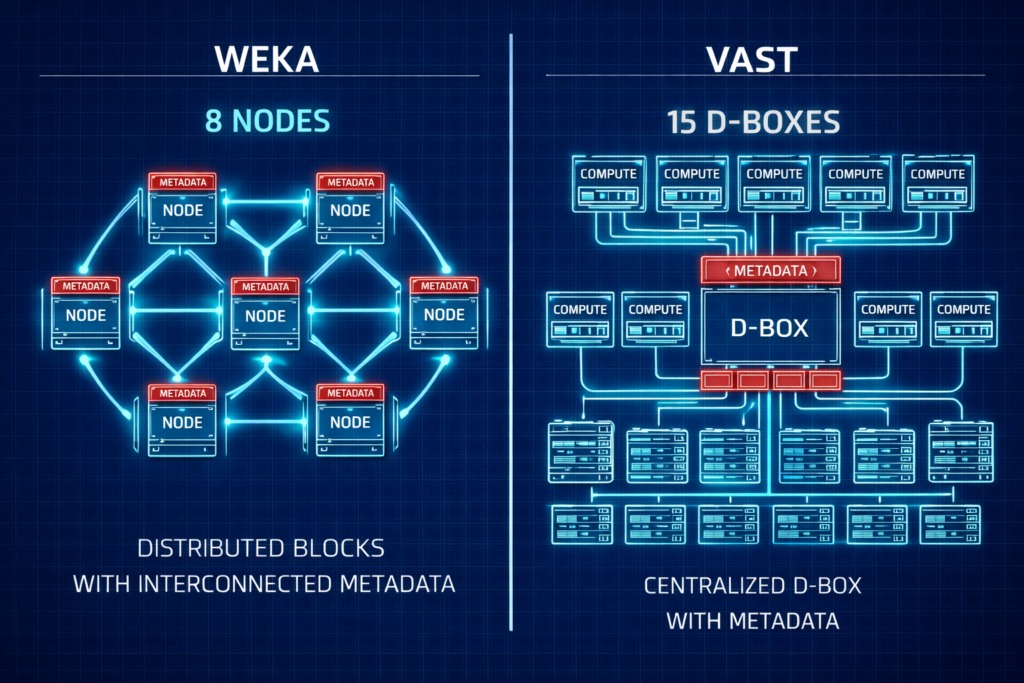
| Feature | WEKA (Distributed) | VAST (Shared Everything) |
| Min. Redundant Cluster | 8 Nodes | ~15 D-Boxes/Nodes |
| Protocol | Custom UDP (No RoCE required) | NVMe-oF (Requires RoCE/IB) |
| Metadata | Fully Distributed | SCM/Optane Concentrated |
| Architecture | Scale-out Software | Disaggregated HW/SW |
For pilots and mid-sized clusters (8–32 nodes), WEKA is generally easier to fund and deploy. For hyperscale, petabyte-scale data lakes, VAST offers a compelling unified platform. The decision isn’t about which is technically superior — it’s about which fits your operational model at your current scale.
For a deeper dive into the storage protocol physics, see the Storage Architecture Learning Path.
The BIOS Secret: Enabling GPUDirect P2P
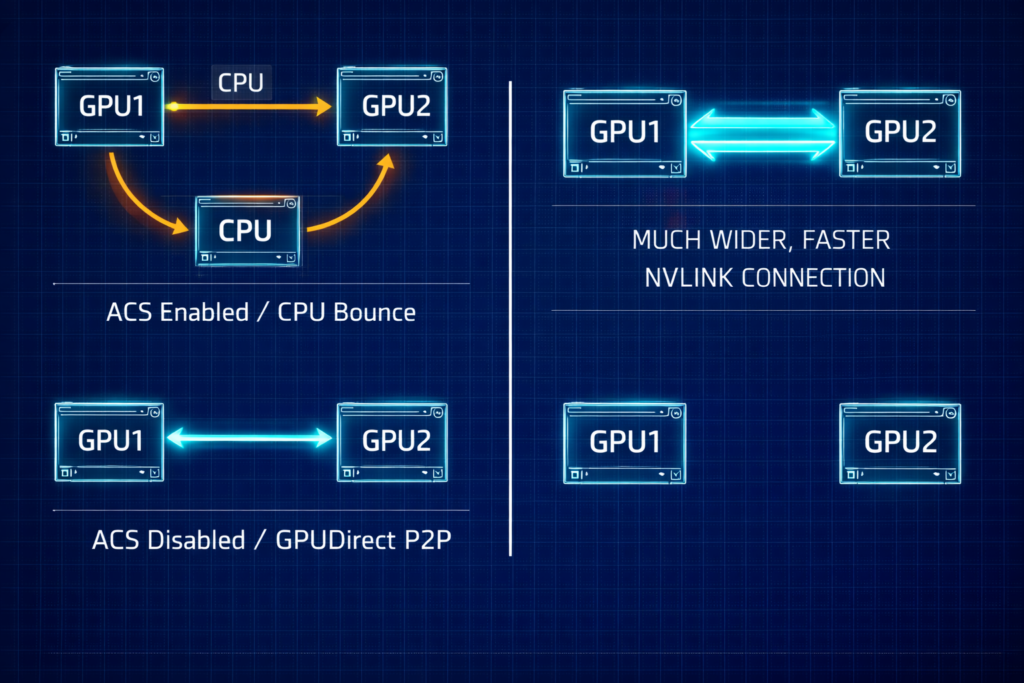
Even with correctly configured networking and an appropriately sized storage tier, GPUs will stall if they can’t talk to each other directly. GPUDirect P2P is one of the highest-impact configuration decisions in an H100 cluster, and it’s controlled by a single BIOS flag most teams leave at its default.
- Disable ACS (Access Control Services): This BIOS setting forces PCIe transactions through the CPU. It must be Disabled to allow GPUs to share data directly via the PCIe bus. With ACS enabled, every GPU-to-GPU transfer bounces through the CPU — adding latency and saturating memory bandwidth.
- Check Your Topology: Use
nvidia-smi topo -mto verify your paths. You want to seeP2P Available: Yesacross all peers. If you don’t, start with ACS. - PCIe vs. NVLink: PCIe 5.0 (128GB/s) is still the bottleneck compared to the 900GB/s of NVLink. Optimize your PCIe paths to ensure you aren’t adding avoidable latency on top of an already constrained bus.
The Scheduler War: Slurm vs. Kubernetes
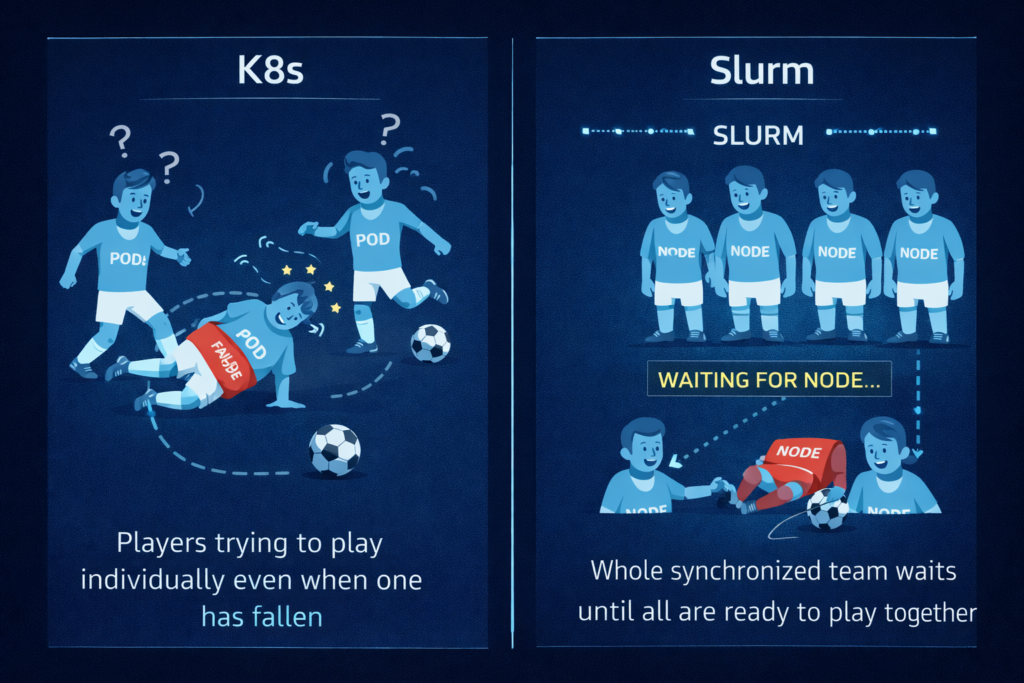
Kubernetes was built for microservices that need to stay up. Slurm was built for batch jobs that need to start together. These are fundamentally different operational models, and choosing the wrong scheduler for distributed training is one of the most expensive mistakes a platform team can make.
- The Kubernetes problem: Native Kubernetes doesn’t understand Gang Scheduling. If you start a 32-node job and node 32 fails, Kubernetes will attempt to keep the other 31 running. In distributed training, those 31 nodes are now burning power and producing nothing — waiting indefinitely for a sync that will never arrive.
- The Slurm edge: It handles all-or-nothing starts natively. Either every node in the job starts together, or none do. This is the correct model for distributed training workloads.
- The Kubernetes band-aid: If you must use Kubernetes — typically because your inference workloads already live there — plugins like Volcano or Kueue are mandatory to replicate Slurm’s batch logic. Neither is a perfect substitute.
The Kubernetes scheduling gaps this post identifies — Gang Scheduling, admission control, queue discipline for distributed training jobs — are the cluster orchestration failure patterns that the Runtime & Cluster Orchestration stage of the AI Architecture Learning Path addresses at the AI workload governance layer, including how Volcano and Kueue fit into a production enforcement stack.
The training/inference split is now also a hardware-level decision. The Training/Inference Split post covers what GTC 2026 changed about how these workloads should be separated architecturally.
Architect’s Verdict
This guide was shaped by peer-challenged debates and empirical data. For those performing deep-level implementation, the following primary sources are recommended:
Additional Resources
View 1 more resource
Editorial Integrity & Security Protocol
This technical deep-dive adheres to the Rack2Cloud Deterministic Integrity Standard. All benchmarks and security audits are derived from zero-trust validation protocols within our isolated lab environments. No vendor influence.

R.M.
Senior Solutions Architect with 25+ years of experience in HCI, cloud strategy, and data resilience. As the lead behind Rack2Cloud, I focus on lab-verified guidance for complex enterprise transitions. View Credentials →
Get the Playbooks Vendors Won’t Publish
Field-tested blueprints for migration, HCI, sovereign infrastructure, and AI architecture. Real failure-mode analysis. No marketing filler. Delivered weekly.
Select your infrastructure paths. Receive field-tested blueprints direct to your inbox.
- > Virtualization & Migration Physics
- > Cloud Strategy & Egress Math
- > Data Protection & RTO Reality
- > AI Infrastructure & GPU Fabric
Zero spam. Includes The Dispatch weekly drop.
Architecture Audit Services
Fixed-scope audits for Zero-Trust Azure, VMware migration readiness, and recovery posture — no discovery call required to start.
>_ View Audit Services>_Related Posts
Your Vendor Review Process Never Saw The Real Supplier
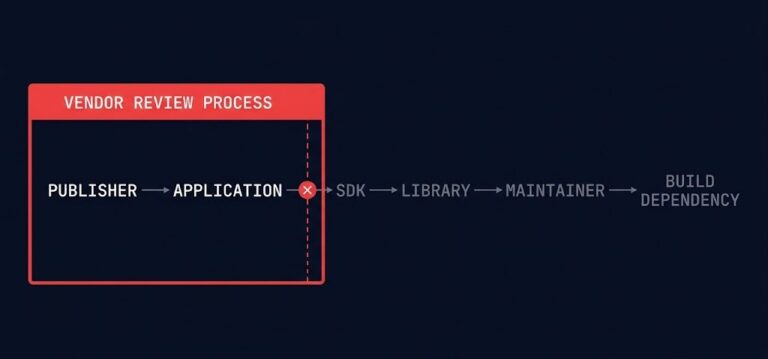
Every vendor review process assumes it’s evaluating a supplier — but a scan finding foreign-origin code embedded in more than one in eight mobile apps used by US military personnel makes the actual assumption visible: organizations review the company they bought from, not the code that arrived inside what they bought. >_ Architect’s Brief 60-second…
Your Monitoring Didn’t Miss the Incident. It Was Never Designed to See It.
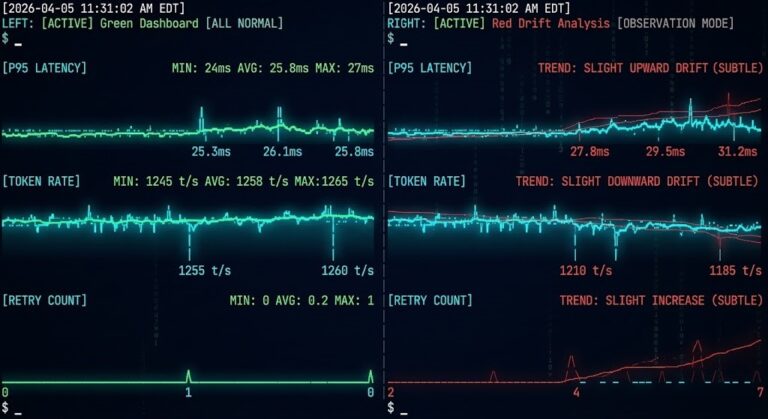
I’ve watched observability vs monitoring play out as a live incident more times than I can count. >_ Architect’s Brief 60-second read before you commit to the full post · Full post: 10 min Generating brief… The dashboard was green. The on-call engineer was not paged. The monitoring system did exactly what it was designed…
Your Kubernetes Cluster Isn’t Out of CPU — The Scheduler Is Stuck
Compute Tier 1 Authority Cascades to ➔ >_ Architect’s Brief 60-second read before you commit to the full post · Full post: 9 min Generating brief… [Storage] [Network] 🚨 Failure Signature Detected Grafana shows cluster CPU utilization is under 50%, but pods are stuck in Pending. Events show: 0/10 nodes are available: 10 Insufficient cpu….
Your Identity System Is Your Biggest Single Point of Failure
Part 2 of the Rack2Cloud’s Cloud Fragility Series >_ Cloud Fragility Series 01 Multi-Cloud Cascading Failure Risks 02 Your Identity System Is Your Biggest Single Point of Failure [CURRENT] 03 Vendor Lock-In Happens Through Networking — Not APIs 04 Your Cloud Bill Quietly Increased in 2026 — Here’s Where the Money Is Actually Going >_…
Your Cloud Provider Is Not Your HA Strategy
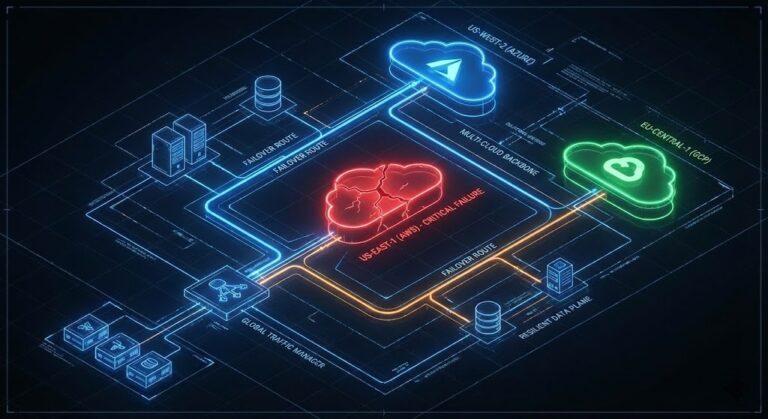
A Tactical Playbook for Architecting, Testing, and Automating Real Multi-Cloud & Multi-Region Resilience We’ve previously explored why cloud SLAs fail as guarantees in our deep dive, Cloud SLA Failure & Resilience Strategy. This article focuses on how to survive those failures in practice — architecturally, operationally, and financially. >_ Architect’s Brief 60-second read before you…
Your Cloud Provider Is a Single Point of Failure — Enterprise Resilience Beyond Provider SLAs
Cloud SLA limitations become real the moment IAM starts returning 503s. It’s always a small event at first — a blip in CloudWatch, a dashboard alert muted over lunch. Then every automation pipeline you thought would “save you” suddenly becomes inert code waiting on a dead API. I watched great engineers helplessly SSH into nothing…