

VMWARE TO HCI
MIGRATION ADVISOR
Quantify migration risk before it becomes an outage. Upload your RVTools export. Get a deterministic pre-flight report in minutes.
Quantifying Migration Risk Before It Becomes an Outage
As enterprises accelerate their VMware exit strategy following Broadcom’s acquisition, many assume that migrating to platforms like Nutanix AHV is a straightforward lift-and-shift operation. In practice, the opposite is true.
Environmental blind spots — snapshot sprawl, outdated VMware Tools, mounted ISOs, oversized or misaligned VMs, and unsupported guest operating systems — introduce migration risk that traditional assessment tools fail to surface. These issues don’t slow migrations. They derail them.
The challenge isn’t a shortage of tools. It’s the absence of migration intelligence — the ability to see risk before it becomes an outage. That’s why we built the HCI Migration Advisor.
Why VMware to HCI Migrations Stall
From the vCenter dashboard, environments often appear healthy. VMs powered on. Backups running. Performance metrics green. Migration stress uncovers a different reality.
Common Migration Failure Signatures
- ✕ Long snapshot chains that break during cutover
- ✕ Outdated VMware Tools preventing clean disk quiescing
- ✕ Legacy NICs requiring driver updates post-migration
- ✕ NUMA-spanning “monster” VMs inducing scheduler latency
- ✕ Powered-off “zombie” VMs inflating storage and licensing costs
- ✕ Mounted ISOs interfering with replication and backups
- ✕ Physical RDMs blocking VM mobility and snapshot support
These are not theoretical. They are the main reasons migrations slip schedules, exceed budgets, or require rollbacks.
How the HCI Migration Advisor Works
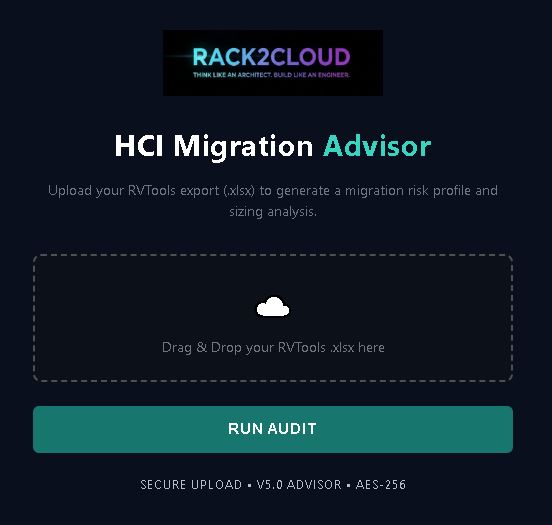
The tool ingests an RVTools export from your VMware environment and applies a proprietary scoring model to quantify migration pain across three pillars.
Data Integrity & Cutover Stability
- → Active snapshot chain depth and age analysis
- → VMware Tools version health and quiesce compatibility
- → Mounted ISO detection across all VMs
- → Conditions that cause silent failures during cutover
Infrastructure Modernization Gaps
- → End-of-life guest operating systems
- → Deprecated NIC types and emulation drivers
- → Legacy constructs requiring manual pre-migration intervention
- → Physical RDM identification and mobility risk scoring
Resource Sizing & Data Gravity
- → NUMA-spanning “monster VM” identification
- → Zombie VM detection and decommission tagging
- → Storage gravity analysis for migration wave planning
- → CVM CPU headroom validation pre-cutover
Instead of returning a simple “ready or not” result, the Advisor produces a weighted Migration Pain Score, giving a realistic measure of potential effort and risk.
From Assessment to Action: Remediation Planning
Seeing risks without actionable steps is frustrating. The HCI Migration Advisor generates engineering-grade remediation plans across four domains:
* Based on analysis of 142 objects in RVTools export.
- Flags risky snapshot chains by age and depth
- Generates safe PowerCLI removal scripts
- Excludes sensitive workloads (SQL, Exchange)
- Detects outdated or missing Tools versions
- Produces non-disruptive update scripts
- Defaults to no-reboot to avoid outages
- Surfaces powered-off workloads by age
- Tags for decommission instead of blind deletion
- Reduces migration scope and licensing costs
- Identifies VMs with mounted ISOs
- Per-VM and bulk removal scripts generated
- Safety checks prevent production disruption
Security Architecture
Security First. Data Always.
Built for engineers who understand what it means to upload infrastructure inventory. Your data never leaves your control.
RVTools files are processed in volatile memory and never written to permanent disk.
All data in transit is protected using bank-grade SSL/TLS encryption.
No vCenter access. No agents. No production credentials required.
Analysis results are permanently purged the moment you close your browser tab.
No Agents. No Production Credentials. No Risk.