

The Vector DB Money Pit: Why “Boring” SQL is the Best Choice for GenAI
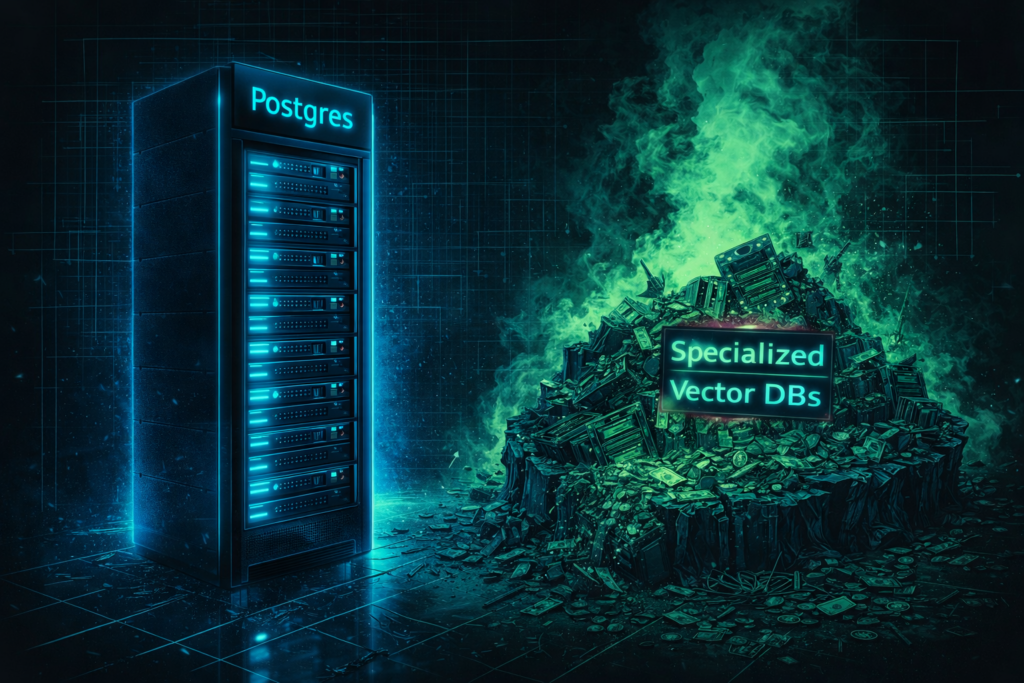
Stop paying “Specialized DB” premiums to store 50MB of embeddings.
I audited a GenAI startup last month that was paying $500/month for a managed Vector Database cluster.
I asked to see the dataset. It was 12,000 PDF pages.
The actual storage footprint of those embeddings? Less than 200MB. They were paying a specialized vendor enterprise rates to host a dataset that could fit in the RAM of a Raspberry Pi.
This is a symptom of a larger industry disease: Resume Driven Development. Engineers are spinning up complex, specialized infrastructure (Pinecone, Weaviate, Milvus) because it looks cool on a CV, not because the workload demands it.
If you are building an RAG agent today, you don’t need a specialized database. You need “Boring Technology.” You need Postgres.
The “Split Brain” Architecture
The biggest hidden cost of a specialized Vector DB isn’t the monthly bill—it’s the Synchronization Tax.
When you separate your operational data (Users, Chats, Permissions) from your semantic data (Vectors), you create a “Split Brain” architecture.
- User ID 101 deletes their account in your SQL DB.
- Now you have to write a separate specialized cron job to scrub their vectors from your Vector DB.
- If that job fails, you are now serving “Ghost Data” to your LLM, potentially violating GDPR/CCPA.
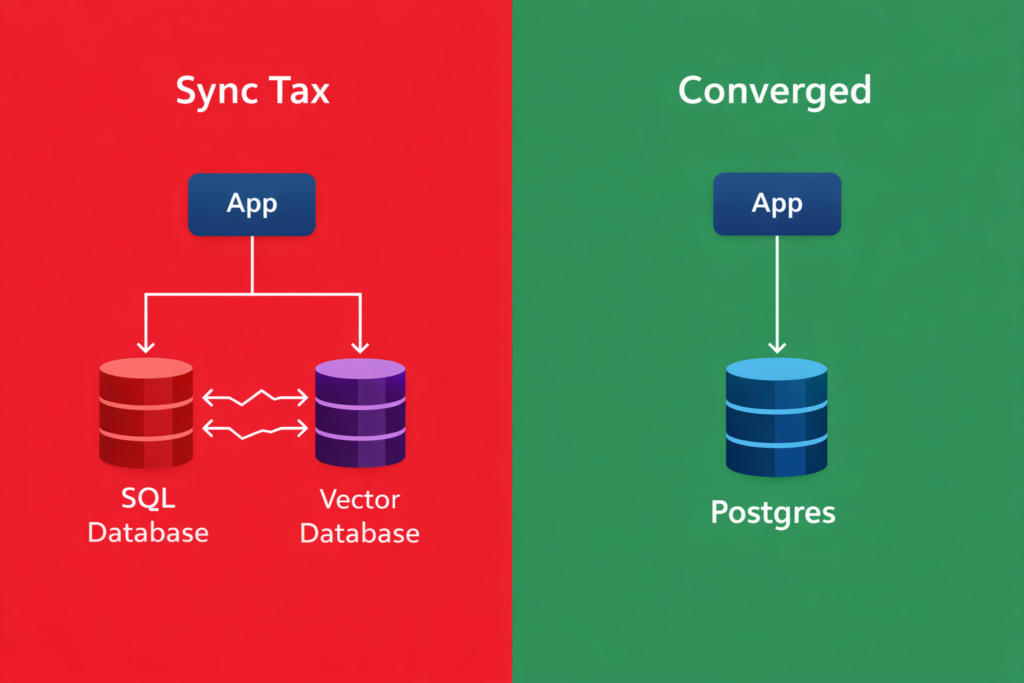
The Convergence Solution:
When you use pgvector inside Postgres, your embeddings live in the same row as your data.
- Transactionality: If you delete the user, the vector is gone. ACID compliance comes for free.
- Joins: You can perform hybrid searches (e.g., “Find semantically similar documents created by User X in the last 7 days“) in a single SQL query. No network hops. No glue code.
Engineering Evidence: The “Good Enough” Threshold
“But isn’t Postgres slower than a native Vector DB?”
Technically? Yes.
Practically? It doesn’t matter.
We benchmarked pgvector (using HNSW indexing) against dedicated solutions.
| Dataset Size | Specialized DB Latency | Postgres (pgvector) Latency | User Perceptible Difference? |
| 10k Vectors | ~2ms | ~3ms | ❌ No |
| 1M Vectors | ~5ms | ~12ms | ❌ No |
| 10M+ Vectors | ~8ms | ~45ms+ | ✅ Yes (Break Point) |
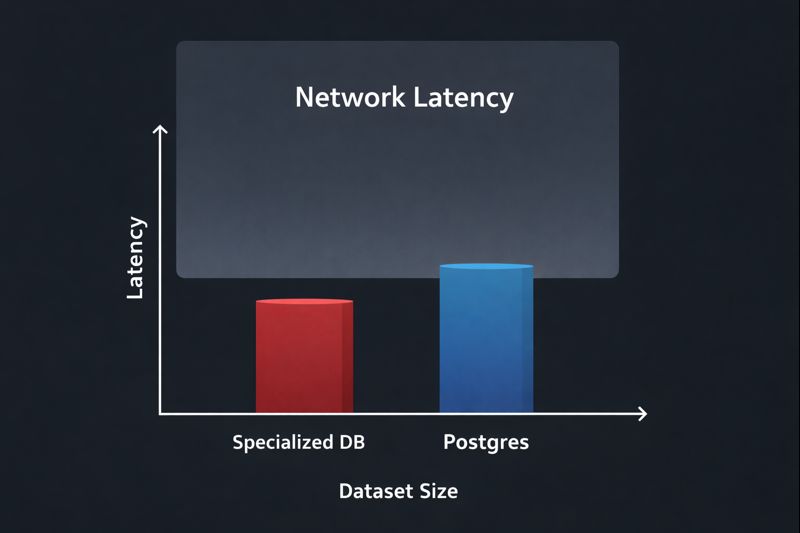
The Verdict: Unless you are indexing the entire English Wikipedia (millions of vectors), the network latency of calling an external API will dwarf the few milliseconds you save on the lookup.
The Cost Math: The CFO Perspective
This is where the “Money Pit” becomes obvious. We model this using our Architectural Pillars of TCO.
- Managed Vector DB: usually priced per “Pod” or “Read Unit.”
- Starting Cost: ~$70/mo per environment (Dev/Stage/Prod = **$210/mo**).
- Postgres (
pgvector):- Cost: $0. It runs on the Cloud SQL / Azure Flex Postgres instance you already pay for.
Strategic Takeaway: If your dataset is under 10 Million vectors, paying for a dedicated Vector DB is purely an optional luxury tax.
The Rack2Cloud Playbook
Don’t optimize for a scale you haven’t reached yet.
- Phase 1: Prototyping (Local)
- Use SQLite (
sqlite-vss) or DuckDB. Keep it on disk. Zero infrastructure cost.
- Use SQLite (
- Phase 2: Production (Converged)
- Use Cloud SQL or Azure Database for PostgreSQL with the
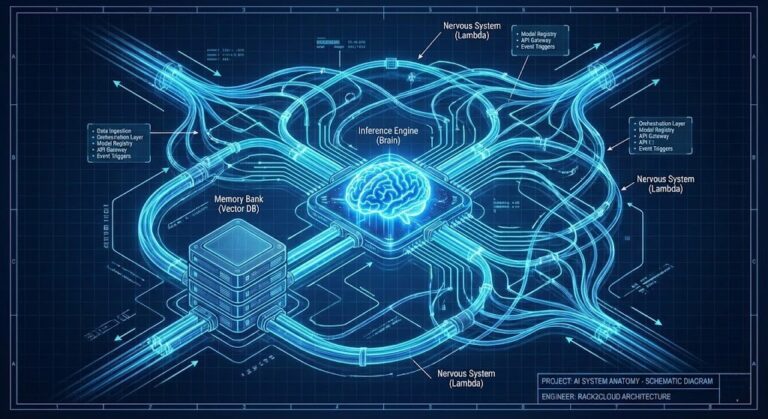
pgvectorextension enabled. - This keeps your “Nervous System” (from our previous article on Azure Flex) secure inside one VNet.
- Use Cloud SQL or Azure Database for PostgreSQL with the
- Phase 3: Hyper-Scale (Specialized)
- Only when you cross 10M+ vectors or need massive QPS (Queries Per Second) do you migrate to a dedicated tool like Weaviate or Pinecone.
Conclusion: Embrace the “Boring”
In 2014, we tried to put everything in NoSQL. In 2024, we are trying to put everything in Vector DBs.
The result is always the same: We eventually realize that Postgres can do 90% of the work for 10% of the headache.
Stop building “Resume Architectures.” Build systems that ship.
Additional Resources:
Editorial Integrity & Security Protocol
This technical deep-dive adheres to the Rack2Cloud Deterministic Integrity Standard. All benchmarks and security audits are derived from zero-trust validation protocols within our isolated lab environments. No vendor influence.

R.M.
Senior Solutions Architect with 25+ years of experience in HCI, cloud strategy, and data resilience. As the lead behind Rack2Cloud, I focus on lab-verified guidance for complex enterprise transitions. View Credentials →
Get the Playbooks Vendors Won’t Publish
Field-tested blueprints for migration, HCI, sovereign infrastructure, and AI architecture. Real failure-mode analysis. No marketing filler. Delivered weekly.
Select your infrastructure paths. Receive field-tested blueprints direct to your inbox.
- > Virtualization & Migration Physics
- > Cloud Strategy & Egress Math
- > Data Protection & RTO Reality
- > AI Infrastructure & GPU Fabric
Zero spam. Includes The Dispatch weekly drop.
Need Architectural Guidance?
Unbiased infrastructure audit for your migration, cloud strategy, or HCI transition.
>_ Request Triage Session