

The “Snapshot Tax”: Why Hidden Metadata is the Silent Killer of VMware Migrations
I’ve walked into too many “ready-to-migrate” VMware environments where leadership swore everything was clean. No snapshots in vCenter. Healthy datastores. Backup jobs green for years. And yet—replication stalled, cutovers failed, and migration timelines collapsed.
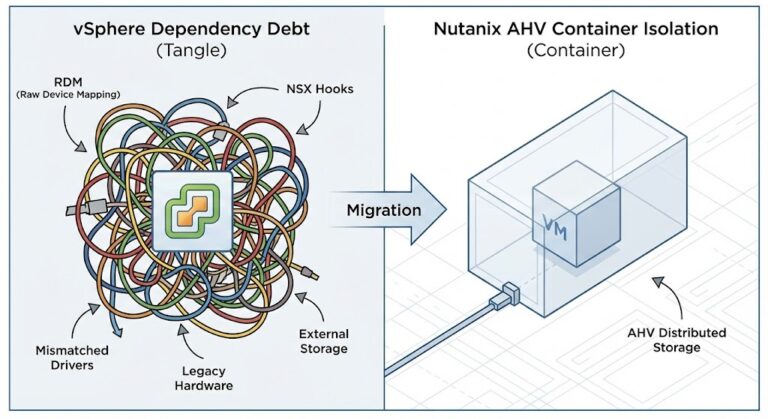
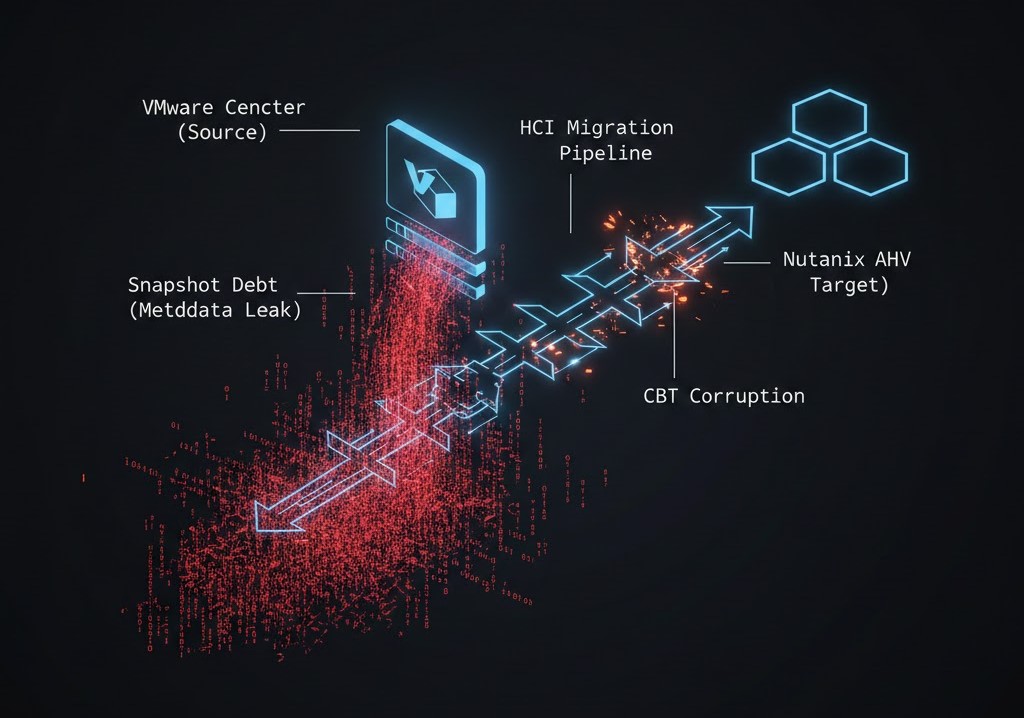
The common thread wasn’t tooling. It wasn’t network bandwidth. It was snapshot debt hiding in metadata. VMware environments accumulate it quietly, and migrations amplify it brutally. I call it the Snapshot Tax because you don’t see it until you try to move—and then it charges interest.
Snapshot Debt Isn’t a Snapshot Problem — It’s a Metadata Problem
Most teams think snapshots are binary: present or deleted. That’s not how VMware actually works. In the field, I consistently find:
- Delta disk chains lingering long after snapshot removal.
- Backup-created helper snapshots that never consolidated cleanly.
- Changed Block Tracking (CBT) maps corrupted by years of incremental abuse.
- Orphaned VMDKs attached to nothing—but still scanned.
- Mounted ISOs and legacy VMware Tools preventing full cleanup.
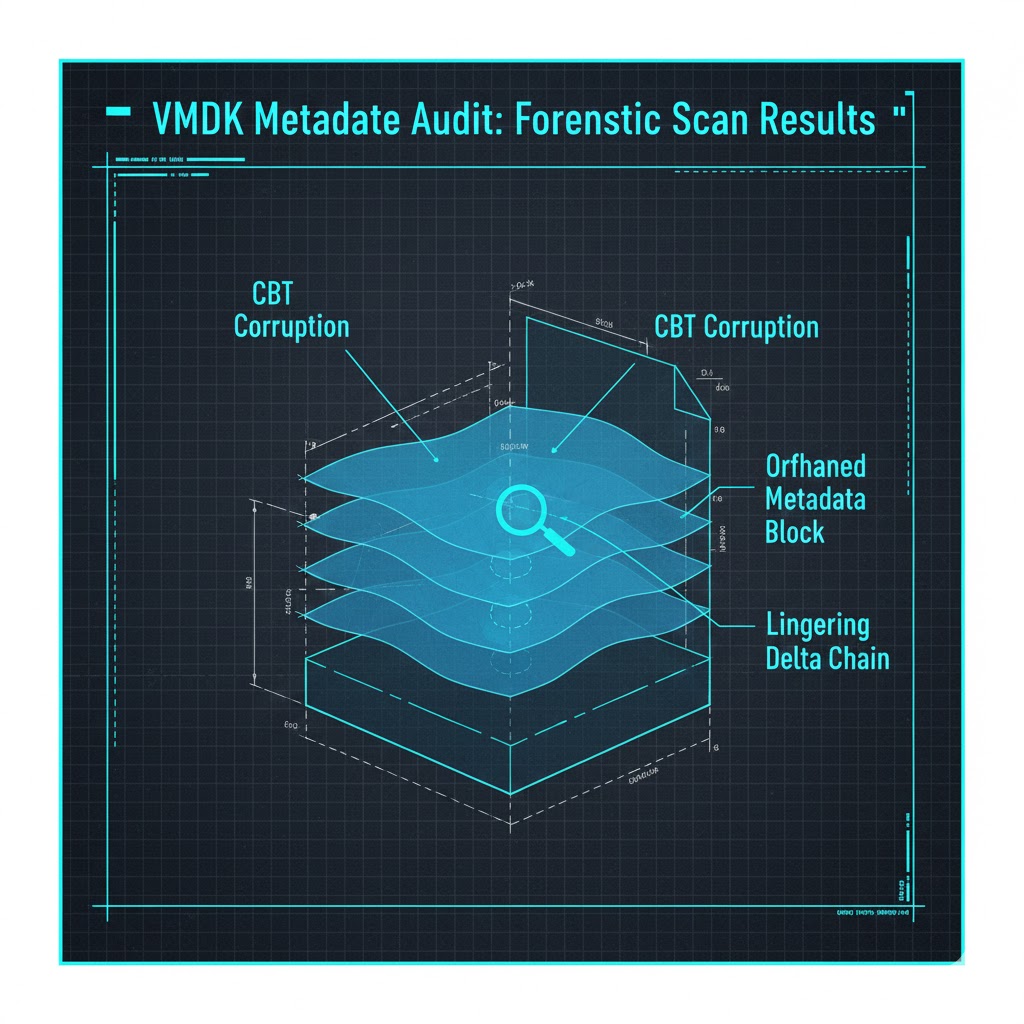
vCenter doesn’t flag this clearly. RVTools surfaces fragments at best. By the time you notice, the environment has already baked this debt into daily operations. This is why migration planning based solely on inventory exports fails.
Why Migrations Trigger the Snapshot Tax
1. Migration Engines Read Everything You Forgot About
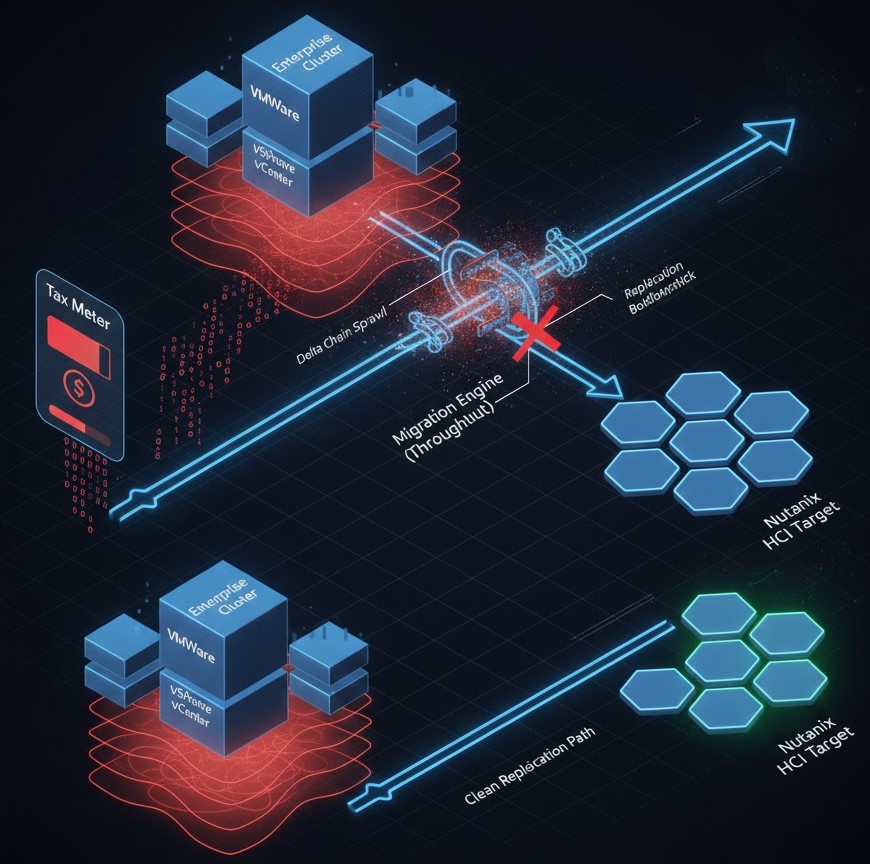
Whether you’re using HCX, Veeam, Zerto, or a vendor-native conversion workflow, the engine doesn’t care what you think exists. It traverses CBT maps, delta chains, and snapshot hierarchies. If that structure is bloated or inconsistent, replication slows, stuns increase, and cutovers fail at the worst possible moment.
I’ve personally seen a “simple” 1.8 TB Windows VM take longer to migrate than a 12 TB Oracle workload—purely because the smaller VM carried years of snapshot rot.
2. Storage Masks the Problem—Until Migration Day
Modern arrays and vSAN are excellent liars. They absorb fragmentation and cache around inefficiencies so well that teams assume everything is fine. Migration workloads strip away that illusion.
The Financial Damage Nobody Models
OpEx: Cleanup Time Is Real Money
Snapshot remediation is not a script-and-go task. It involves failed consolidations, manual disk reattachment, and backup coordination. Every week spent cleaning is paid labor plus delayed value. This is where migration projects quietly bleed budget.
CapEx: Overbuying to Hide Risk
I see teams oversize target Nutanix clusters because replication throughput underperforms or nobody trusts the data cleanliness. That forces higher node counts and inflated BOMs—all to compensate for problems that should have been fixed upstream.
Licensing: VMware Charges You While You Hesitate
Cleanup delays keep VMware cores licensed and Broadcom renewal cliffs approaching. I routinely use the VMware Core Calculator to show executives that every month of delay is measurable cash burn.
How I Determine True Migration Readiness
I don’t ask, “How many snapshots do you have?” I ask:
- When was the last full snapshot consolidation across the estate?
- How many VMs still boot with mounted ISOs?
- How old are the CBT maps?
If the answers are vague, the environment is not ready. This is exactly why we built the HCI Migration Advisor. It doesn’t stop at inventory; it analyzes snapshot risk and metadata health before you commit to a timeline.
Snapshot Behavior by Platform (Architectural Comparison)
| Platform | Snapshot Architecture | Migration Sensitivity | Architect’s Reality |
| VMware vSphere | Deep delta chains + CBT | High | Powerful, punishes neglect |
| Nutanix AHV | Integrated metadata lifecycle | Medium | Cleaner, more predictable |
| Proxmox / KVM | QCOW2 layering | Low–Medium | Simpler, less hidden state |
My Hard Rule: Clean First, Compare Second
I refuse to finalize Nutanix sizing or approve a migration timeline until snapshot debt is addressed. Otherwise, every comparison is flawed, and every cost model lies.
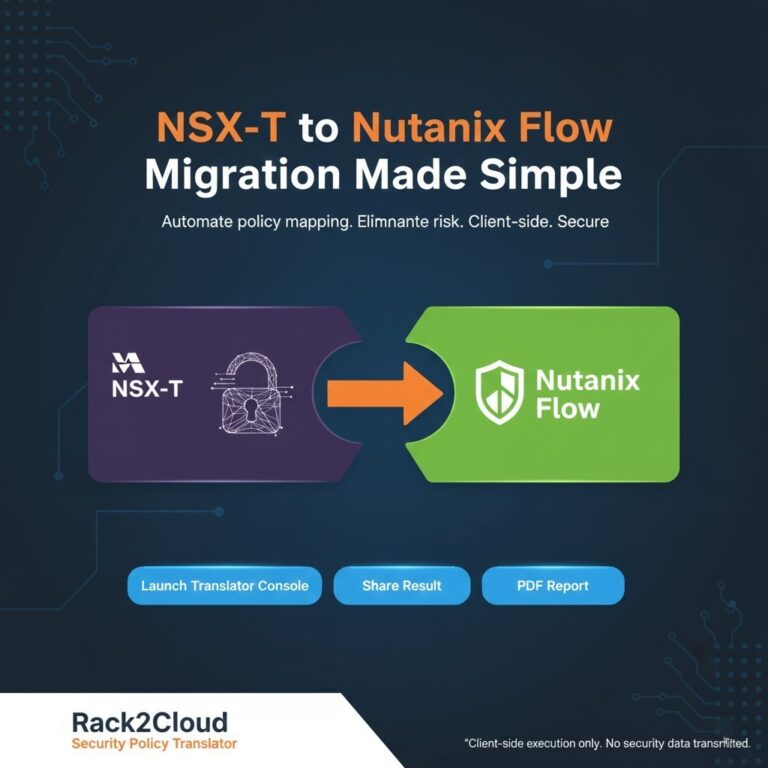
If NSX-T is in play, snapshot debt compounds migration risk. Address storage hygiene before translating network policy using the NSX-T Migration Guide or the NSX-T Translator.
Final Take: Snapshots aren’t free. VMware just defers the bill. Pay it early with proper auditing, or pay it later when the business is watching you fail.
Additional Resources:
- VMware Documentation – Snapshot Architecture and Consolidation
- VMware KB – Changed Block Tracking (CBT) Limitations and Reset Scenarios
- Veeam Whitepaper – Backup Snapshot Mechanics
- Nutanix AHV Documentation – Snapshots and Replication
- Broadcom VMware Subscription and Core Licensing Overview

R.M.
Senior Solutions Architect with 25+ years of experience in HCI, cloud strategy, and data resilience. As the lead behind Rack2Cloud, I focus on lab-verified guidance for complex enterprise transitions. View Credentials →
Editorial Integrity & Security Protocol
This technical deep-dive adheres to the Rack2Cloud Deterministic Integrity Standard. All benchmarks and security audits are derived from zero-trust validation protocols within our isolated lab environments. No vendor influence.
This architectural deep-dive contains affiliate links to hardware and software tools validated in our lab. If you make a purchase through these links, we may earn a commission at no additional cost to you. This support allows us to maintain our independent testing environment and continue producing ad-free strategic research. See our Full Policy.